
Figma Translation Plugin for Multilingual Designs
Translate Figma frames, components, and campaign designs in 120 languages while preserving layout, typography, and design-system structure.
Vitra Universe Translation for Figma
Translate Figma designs into 120 languages while preserving layout, components, and design structure.
Vitra enables product teams, designers, and global brands to localize Figma designs directly inside their design workflow without manually editing or rebuilding UI screens.
What This Integration Does
Vitra integrates with Figma to help teams translate design files quickly while maintaining visual accuracy and design consistency.
Instead of exporting text, sending it for translation, and manually updating UI screens, teams can translate Figma designs directly within their workflow.
This enables faster UI localization and ensures consistent design systems across global markets.
How It Works
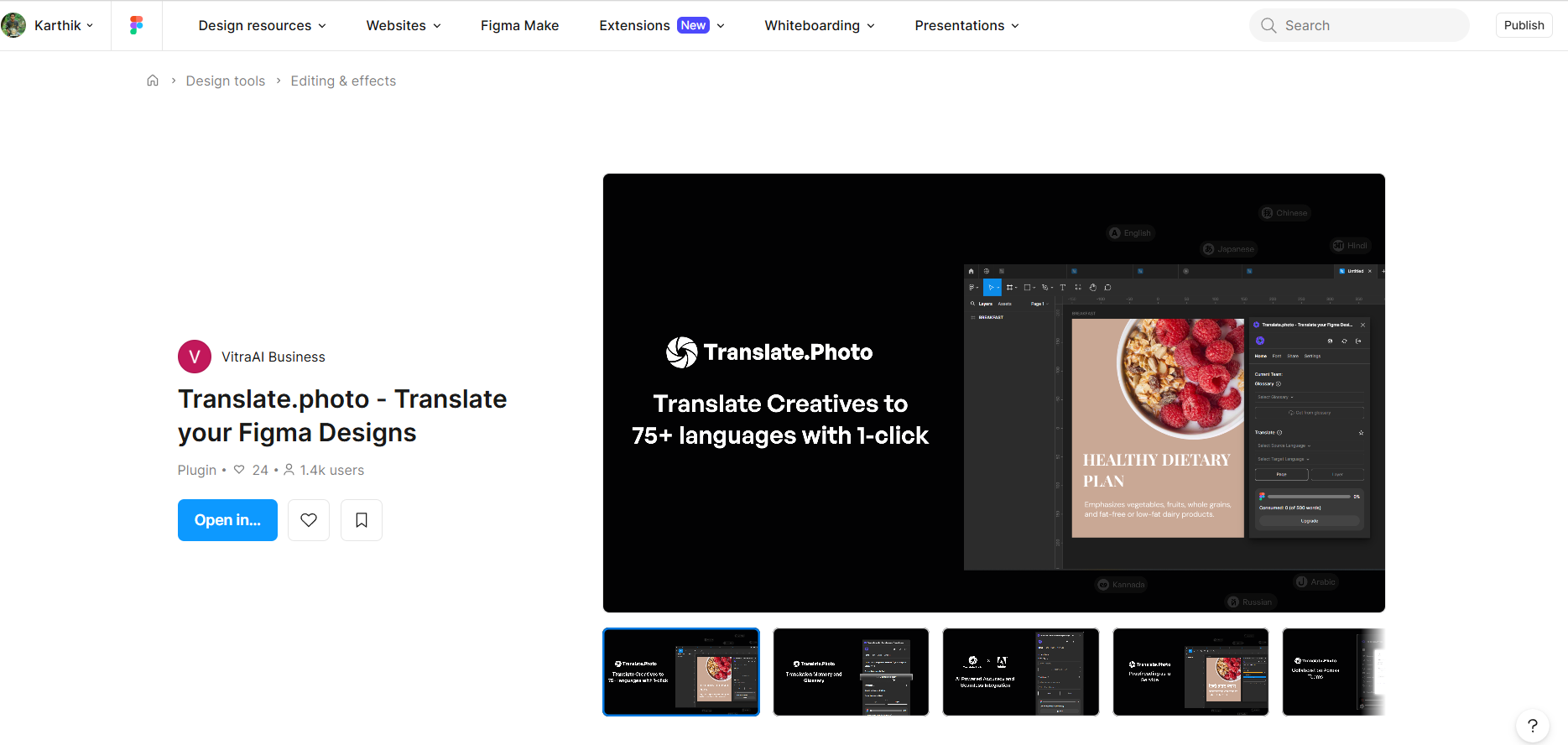
Step 1: Open the Plugin
- Launch the Vitra plugin directly inside Figma.
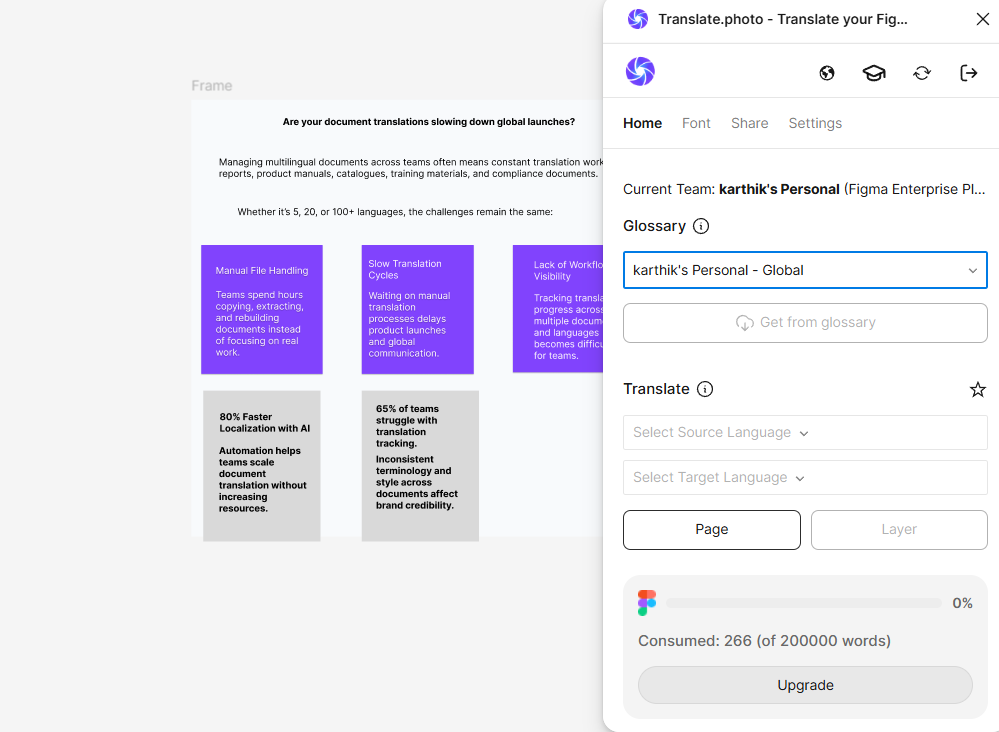
Step 2: Select Glossary
- Choose your organization's translation glossary to maintain consistent terminology across designs.
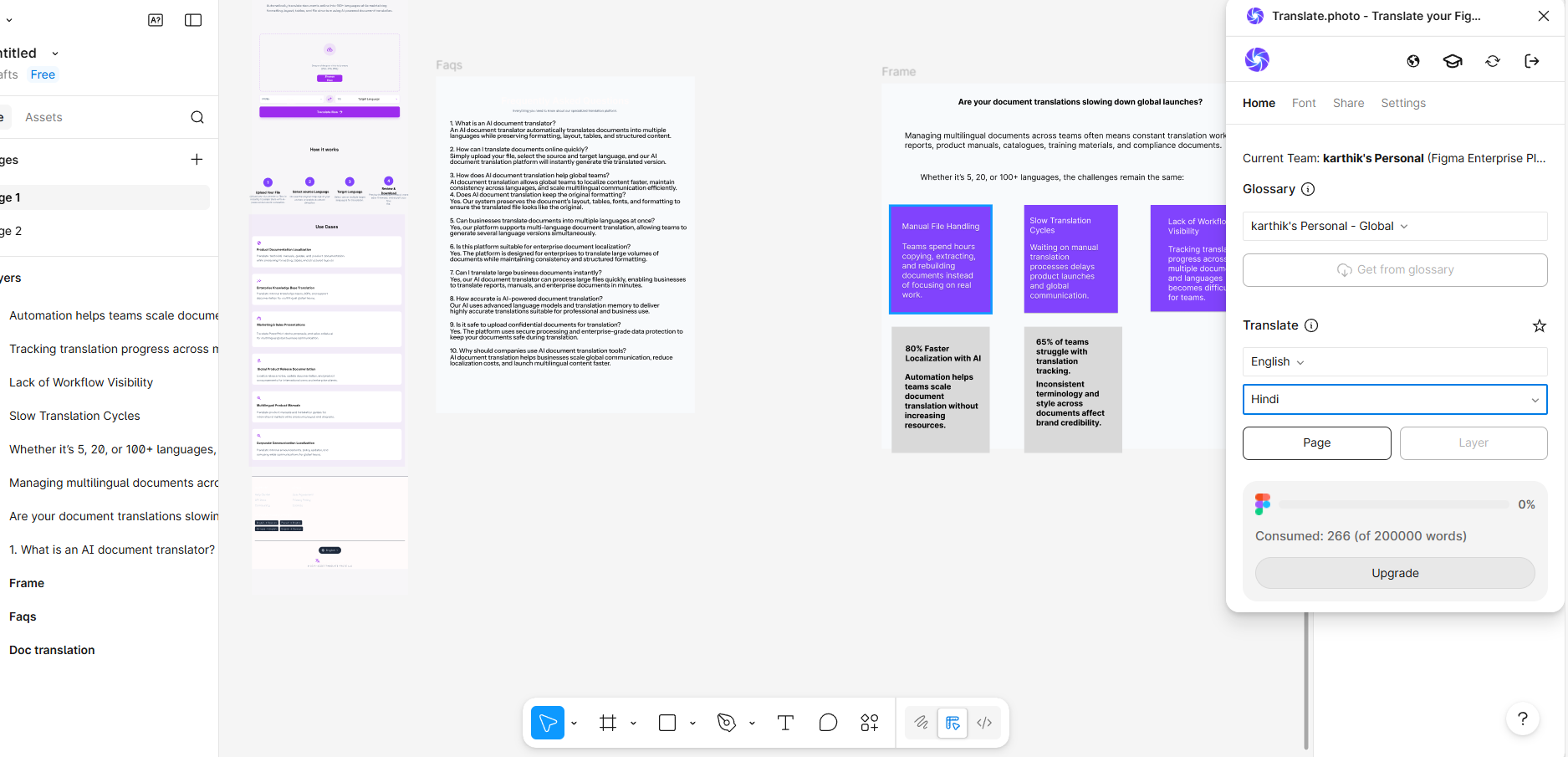
Step 3: Select Language
- Choose the source language and one or more target languages.
- The same approved terminology and translation memory apply to every selected version.
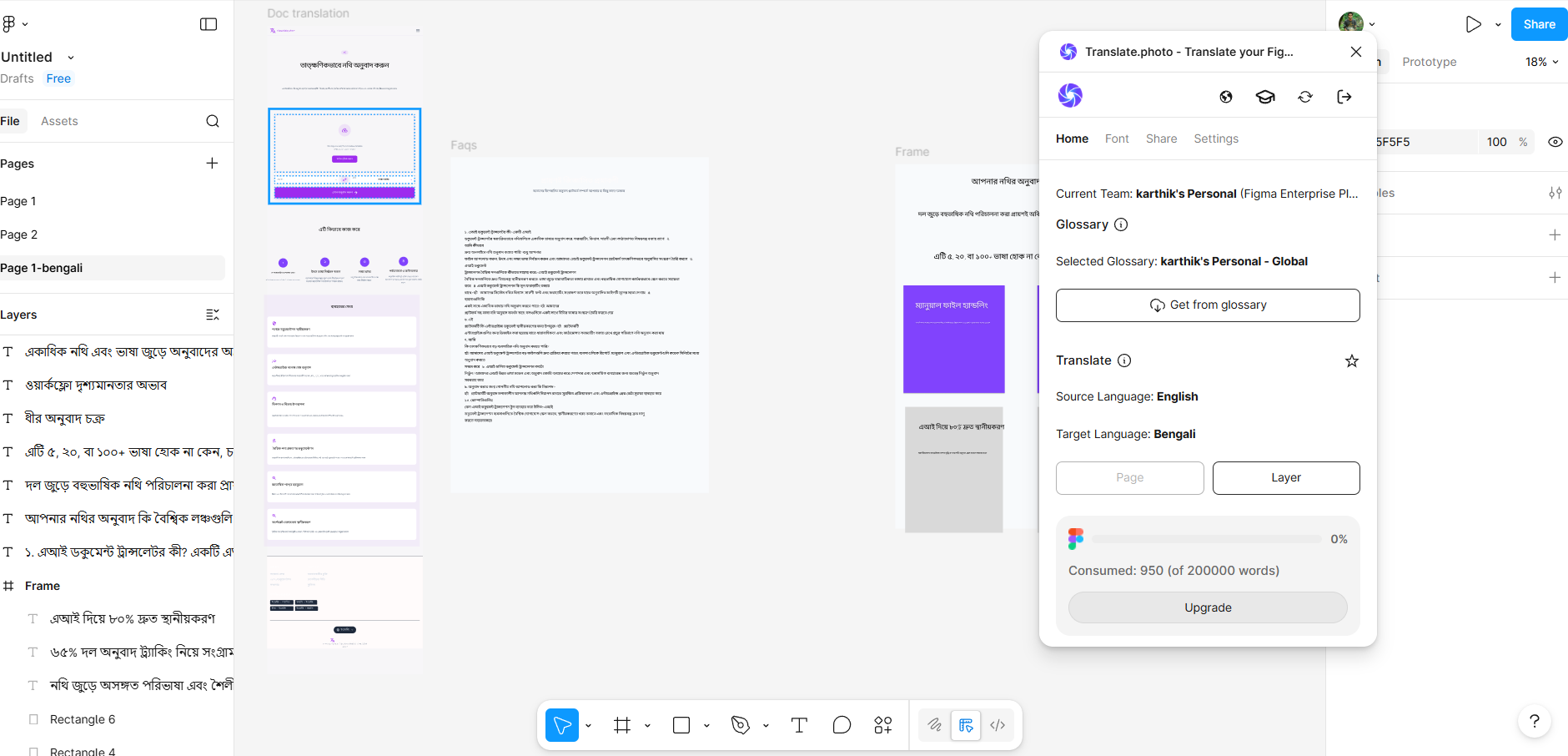
Step 4: Translate
- Click Translate, and AI agents translate text across frames while preserving layout, components, and typography.
Use Cases
Product & App Design
Translate app UI screens, onboarding flows, and product interfaces for global users.
SaaS Platforms
Localize dashboards, UI components, and product interfaces for international markets.
Marketing & Landing Pages
Translate website UI designs, campaign landing pages, and product visuals.
Design Systems & UI Libraries
Localize component libraries and design systems used across global teams.
Startup & Product Teams
Quickly prepare multilingual product designs before development and launch.
Why Teams Choose Vitra
- Translate Figma designs without rebuilding every version
- Maintain design system consistency across languages
- Eliminate manual UI editing after translation
- Scale multilingual product design efficiently
Start Translating Figma Designs Faster
Translate Figma UI designs into multiple languages while preserving components, layouts, and design structure.
Launch multilingual products and campaigns without rebuilding your designs.
Where to go next
Figma Translation Plugin for Multilingual Designs is one way into Vitra.ai. Image translation is the capability doing the work behind it.
Browse every connector on the integrations directory.