
Shopify Store Translation and Localization
Localize Shopify product pages, collections, themes, metadata, and storefront content without rebuilding the store for each language.
Install Universe Website Translation on Shopify
Running your store on Shopify?
You don't need a custom app, theme rebuild, or developer-heavy integration to make your Shopify store multilingual.
Universe Website Translation works via a lightweight script that you add once to your theme — and it applies across your entire store.
No product duplication.
No manual translation setup.
No complex theme edits.
Step 1: Step-by-Step Installation for Shopify
- Open your browser.
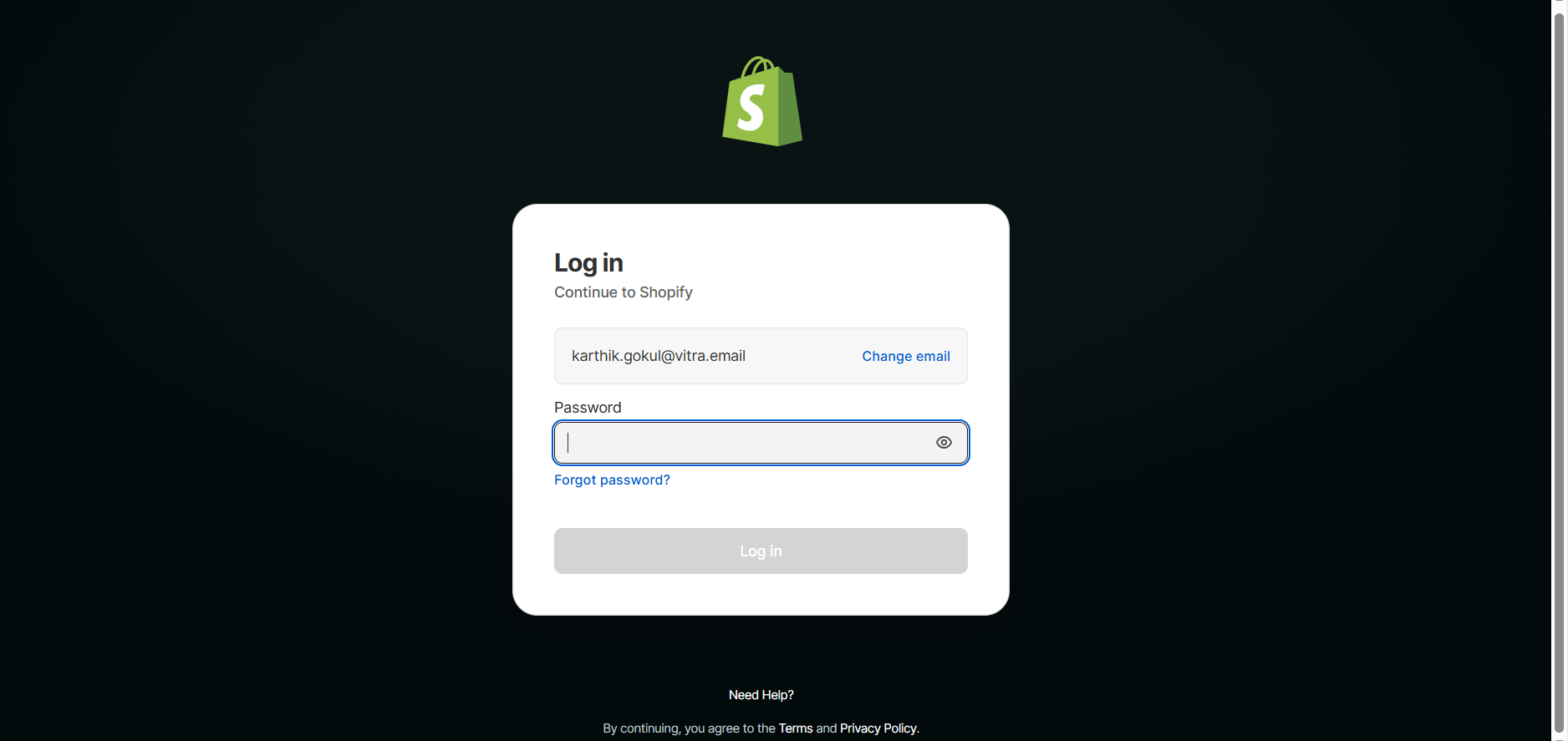
- Visit https://yourstore.myshopify.com/admin.
- Enter your login credentials.
- Click Login.
- You'll now be inside your Shopify Admin dashboard.
Step 2: Go to Online Store -> Themes
- From the left sidebar:
- Click Online Store.
- Click Themes.
- Locate your Current Theme.
- Click the three dots ( ... ).
- Select Edit Code.
- This opens your Shopify theme files.
Step 3: Open theme.liquid
- Inside the theme editor:
- In the left file list, locate Layout.
- Click theme.liquid.
- This is your store's main layout file and it loads on every page.
Step 4: Paste the Vitra Snippet
- Scroll inside theme.liquid.
- Find the closing </head> tag.
- Paste your Vitra / Universe Website Translation snippet just before </head>.
What Happens After Installation?
Once activated, Universe Website Translation can:
- Product Pages
- Collection Pages
- Homepage
- Navigation Menus
- Footer
- Cart & checkout messaging (if supported by theme structure)
Translate Your Entire Shopify Store
- Product Pages
- Collection Pages
- Homepage
- Navigation Menus
- Footer
- Cart & checkout messaging (if supported by theme structure)
Improve International SEO
- Language-ready structure
- Better engagement for global users
- Reduced bounce rate in foreign markets
Preserve Store Performance
- Language-ready structure
- Better engagement for global users
- Reduced bounce rate in foreign markets
Localize your Shopify store
If you need to disable it:
- Go back to Code Snippets
- Toggle the snippet to Inactive
No database changes.
No theme corruption.
No risk during theme updates.
Why This Method Is Recommended
Using WPCode instead of editing header.php ensures:
- Theme updates won't remove the snippet
- No child theme required
- Safe rollback anytime
- Clean, professional implementation
Where to go next
Shopify Store Translation and Localization is one way into Vitra.ai. Website translation is the capability doing the work behind it.
Browse every connector on the integrations directory.