Quick answer — A translation glossary records how important terms should be written in each language. Translation memory keeps reviewed translations for reuse. Use both: one helps with the vocabulary, the other with work your team has already approved.
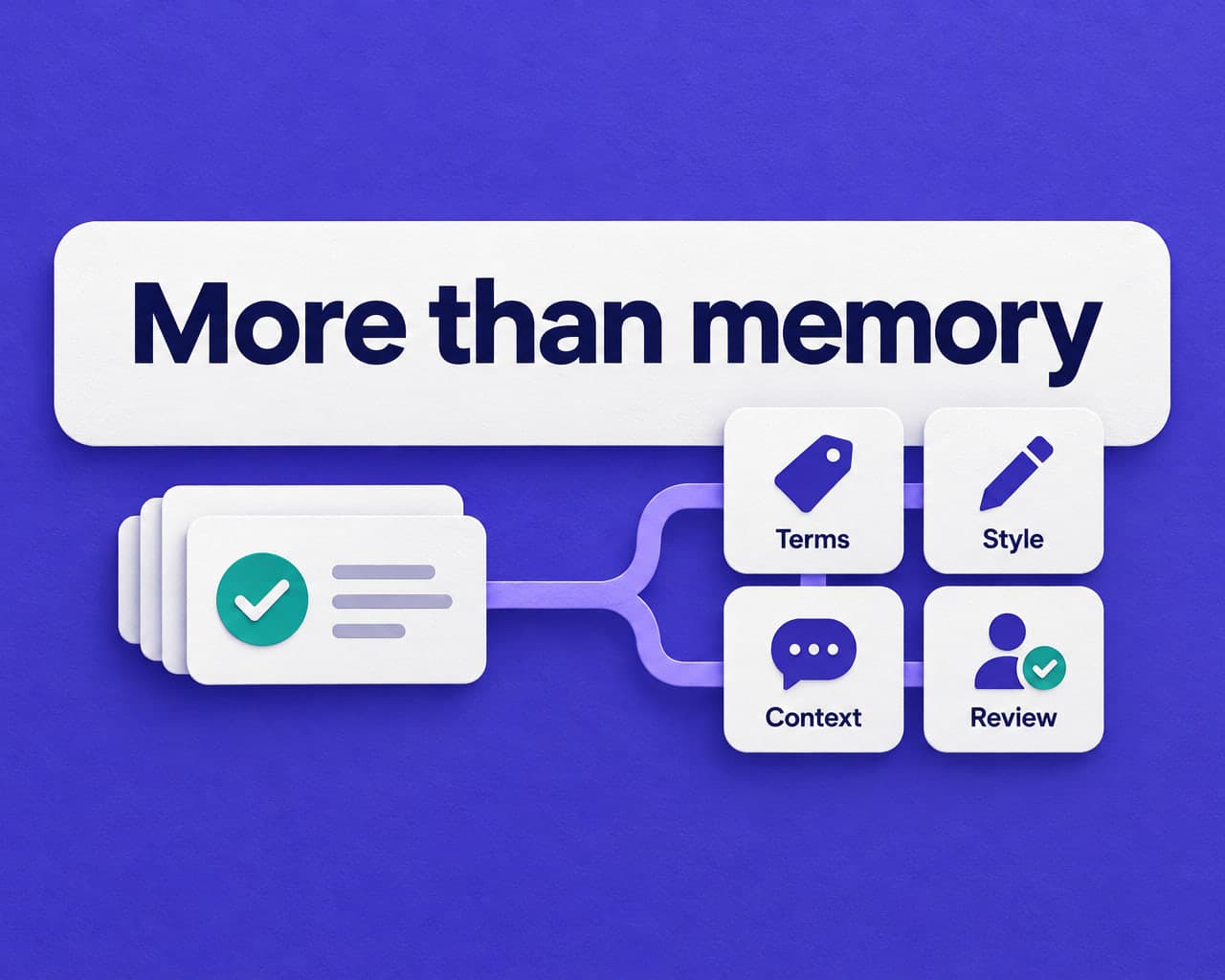
In Vitra TMS, memory, terminology, glossary, style guides, and context belong to the same translation workflow.
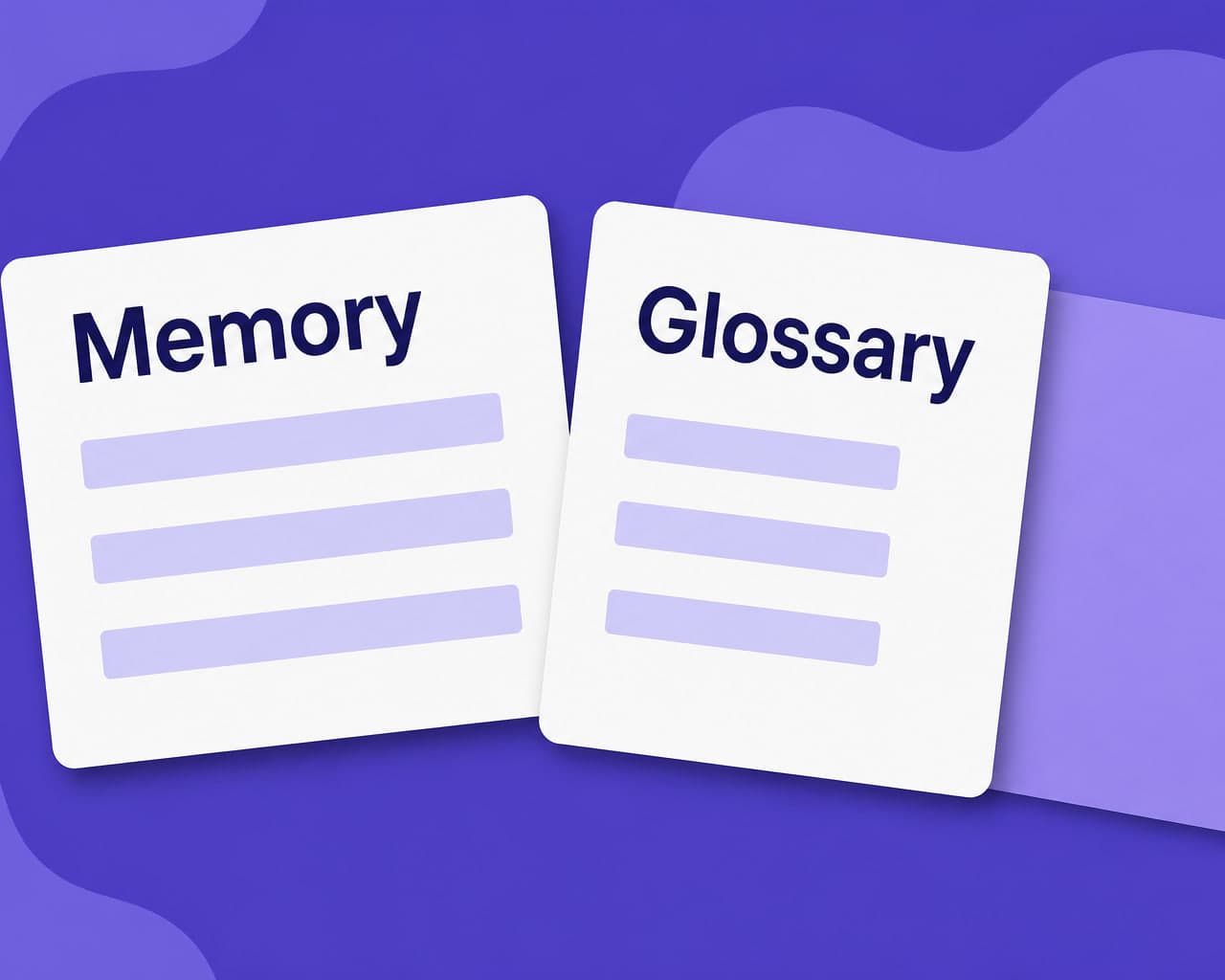
Different units, different jobs
A glossary entry might say that a product name must stay in English, or that “service charge” should use a particular Spanish phrase. It is useful even when the rest of the sentence is new.
A translation memory entry keeps source wording alongside a reviewed translation. It helps when instructions, product descriptions, or campaign copy return in a later project. A reviewer can build on a previous language decision instead of making the same decision again.
These are complementary resources, not competing purchases. A sentence may be new while its product names are familiar. An older sentence may be reusable while one of its terms has changed. The job is to use the relevant history without carrying yesterday's mistake into today's release.
Where each one wins
| Content job | What translation memory contributes | What a glossary contributes |
|---|---|---|
| A repeated paragraph in a new manual | Previously reviewed wording to check and reuse | Current product names and technical terms |
| A new landing page for an existing product | Relevant translations from earlier work | Preferred vocabulary for the new copy |
| An instruction that has changed | A reference for what was approved before | Terms to preserve while reviewing the changed instruction |
| A campaign with a renamed product | Useful history, checked against the new brief | The current name and any do-not-translate guidance |
Neither column says “automatically correct.” A memory entry can be outdated; a glossary can be incomplete. The resources improve the information available to the translation and review process. A person still needs to check the result where the audience will see it.
For a manufacturer, that may mean reading an instruction next to its diagram. For a software team, it may mean checking a label inside the interface. For a video team, it includes hearing the wording and reading the subtitles, not only reviewing a text document.
What to do when the resources disagree
Suppose a previous translation contains the old name of a subscription plan. The current glossary contains the new name. Reusing the whole sentence without checking the brief would put the retired name back into a live page.
The answer is not to trust whichever resource happens to be larger. Confirm the change with the product or language owner, review the affected translations, and update the resources that future work will use. Record why the decision changed so the next reviewer does not have to rediscover the same history.
A practical review asks:
- Is this the same product, audience, and purpose as the earlier translation?
- Has an important name, claim, instruction, or regional convention changed?
- Which wording has the responsible team approved for this release?
- Do the glossary and memory both reflect that decision now?
That is especially important for sensitive instructions and regulated claims. An approval is a decision made in a context, not a permanent guarantee for every later use.
Where terminology, style, and context fit
A glossary is a useful wording list. A terminology system adds information about the concepts behind those words. In Vitra TB, teams can organize multilingual terminology with preferred terms, alternatives, and review. That is helpful when different departments use different names for the same thing, or one word describes several unrelated concepts.
A style guide answers a different question: how should the writing sound? It covers choices such as tone, spelling, regional conventions, and how much technical explanation an audience needs. It should not become a second, contradictory product glossary.
Context explains the job. The word “charge” could concern a battery, a payment, or a legal case. A vocabulary list alone does not describe the product, reader, and purpose. A short brief does.
Keep these roles clear. When a reviewer changes a product term, update the terminology or glossary. When the preferred tone changes, update the style guidance. When a reviewed sentence is useful again, keep it in the relevant memory. Put project-specific background in the brief.
Start with useful resources, not a large import
Start with the terms and translations your team needs for one real release. Choose an owner for each language resource and distinguish draft wording from reviewed or approved entries. You can expand the coverage after the first project shows what is missing.
Before importing an existing memory or glossary, test a sample. Check language pairs, duplicates, old names, review statuses, and whether the material belongs to the same client or subject area. An archive of unrelated content is not necessarily a better resource than a smaller, well-maintained one.
For your pilot, use one landing page, one design, and one video script from the same campaign. Give each the same approved terminology and brief. Ask reviewers to note terminology corrections, repeated decisions, and changes caused by the format. This shows whether the resources help the actual work, not just whether an import succeeded.
Use the reviewed language across formats
Vitra TM is the adaptive memory inside Vitra TMS. It connects reviewed wording and context to translation work across videos, images, documents, websites, and apps. Glossary, terminology, and style guides give that workflow additional language guidance.
The useful outcome is straightforward: a reviewer should not have to re-establish the same product vocabulary for a banner, a manual, and a video. They should be able to focus on the new wording and the decisions that matter in each format. Review remains part of the process, especially when content changes or reaches a new audience.
For a setup checklist, see translation glossary management. For the wider system, read translation memory vs. TMS.
FAQ
What is the difference between a glossary and a translation memory? A translation glossary records preferred wording for individual terms and names. Translation memory stores reviewed source and target translations for reuse. Both help consistency, but neither replaces context or human review.
Can a glossary and translation memory reduce translation costs? They can reduce repeated translation and review work when the resources are relevant and maintained. Savings depend on the content, language pairs, resource quality, and review requirements; they are not guaranteed.
What if a glossary conflicts with an older translation? Check the current product context and ask the language owner to resolve the conflict. Update the affected glossary or memory entries and review their uses. Do not assume an old translation is still correct simply because it was approved before.
How large should each be? Keep the resources large enough to cover the work and focused enough to remain useful. Relevance, review status, clear ownership, and current wording matter more than entry count. Separate unrelated clients, products, or subject areas.