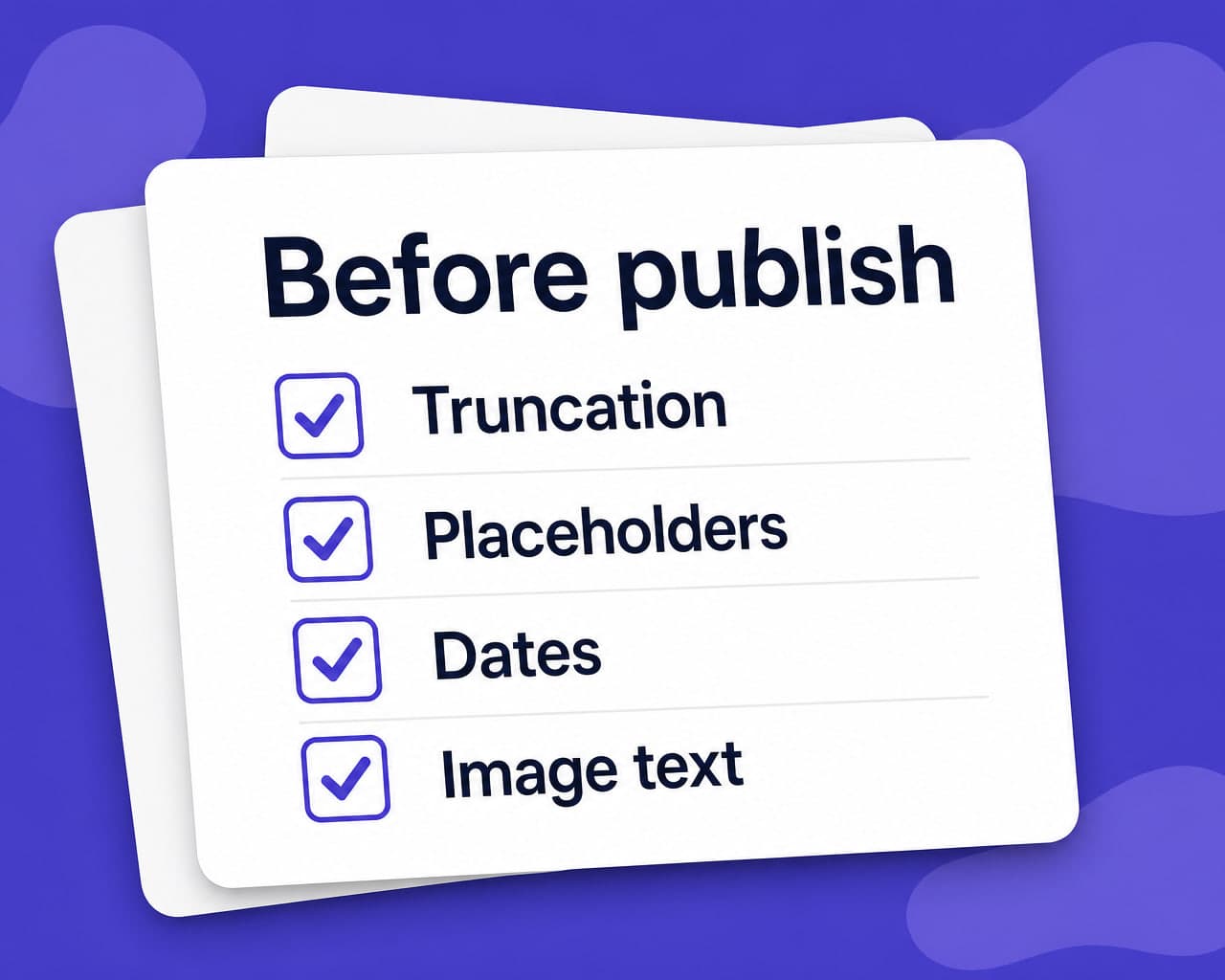
Quick answer — Most defects found after publishing are mechanical rather than linguistic: truncated buttons, broken placeholders, wrong date formats, untranslated image text. Nine checks catch the majority before anything ships.
Vitra.ai Universe keeps one memory and one quality gate across every format.
The bugs are rarely about language
A mistranslation is the failure everyone plans for. It is not the failure that usually ships.
What ships is a button with the label cut off, a date that reads as the wrong day, a placeholder rendered literally, and a size chart still in English because it was a picture rather than a paragraph.
All mechanical. All findable without speaking the language.
The nine
| Check | Typical failure |
|---|---|
| Truncation | German label overflowing a fixed-width control |
| Placeholders | {name} rendered as a word or dropped |
| Encoding | Diacritics as mojibake after an export |
| Dates | Ambiguous all-numeric form read wrongly |
| Numbers | Decimal comma against decimal point |
| Units and currency | Converted values, or not converted |
| Text in images | Untranslated, because it is pixels |
| RTL layout | Mirrored interface, unmirrored product photo |
| Links | Pointing at the source-language page |
Text inside images is the one that most often survives every review, because the translation workflow never saw it. It needs image translation rather than a proofreader.
Run it on the rendered page
Checking a string file proves the strings exist. It does not prove they fit. Truncation, overflow and layout breakage only appear once the text is in the interface at real widths, so the check belongs on the rendered page or the built screen — which is also the only place a mirrored RTL layout can be judged. Pseudo-localization before translation finds most of the layout problems earlier and cheaper, since padded accented strings expose fixed-width controls without a translator being involved.
Automate the mechanical, keep humans for meaning
Encoding, placeholders, number and date formats are all machine-checkable, and quality control can run them on every asset rather than on a sample.
That leaves the reviewer looking at meaning, register and claims — the things that genuinely need a person, and the things that get skipped when the same person is also hunting for truncated buttons.
Log what each check finds. A recurring finding is a process fault, not a translation fault, and it is fixed upstream. Sequence documents need the check run on every step — method statement translation.
FAQ
What should a linguistic QA checklist cover? Truncation, placeholders, encoding, date and number formats, units and currency, text inside images, right-to-left layout, and links pointing back at source-language pages.
Why check the rendered page rather than the string file? Because a string file proves text exists, not that it fits. Truncation, overflow and mirrored layout problems only appear once translated text sits in the interface at real widths.
Which localization defect most often survives review? Text inside images. The translation workflow never sees it because it is pixels rather than a field, so a size chart or callout ships in the source language on an otherwise translated page.
What should be automated versus reviewed by a person? Encoding, placeholders, number and date formats are machine-checkable on every asset. Reviewers should be left with meaning, register and claims, which is where human judgement is genuinely required.