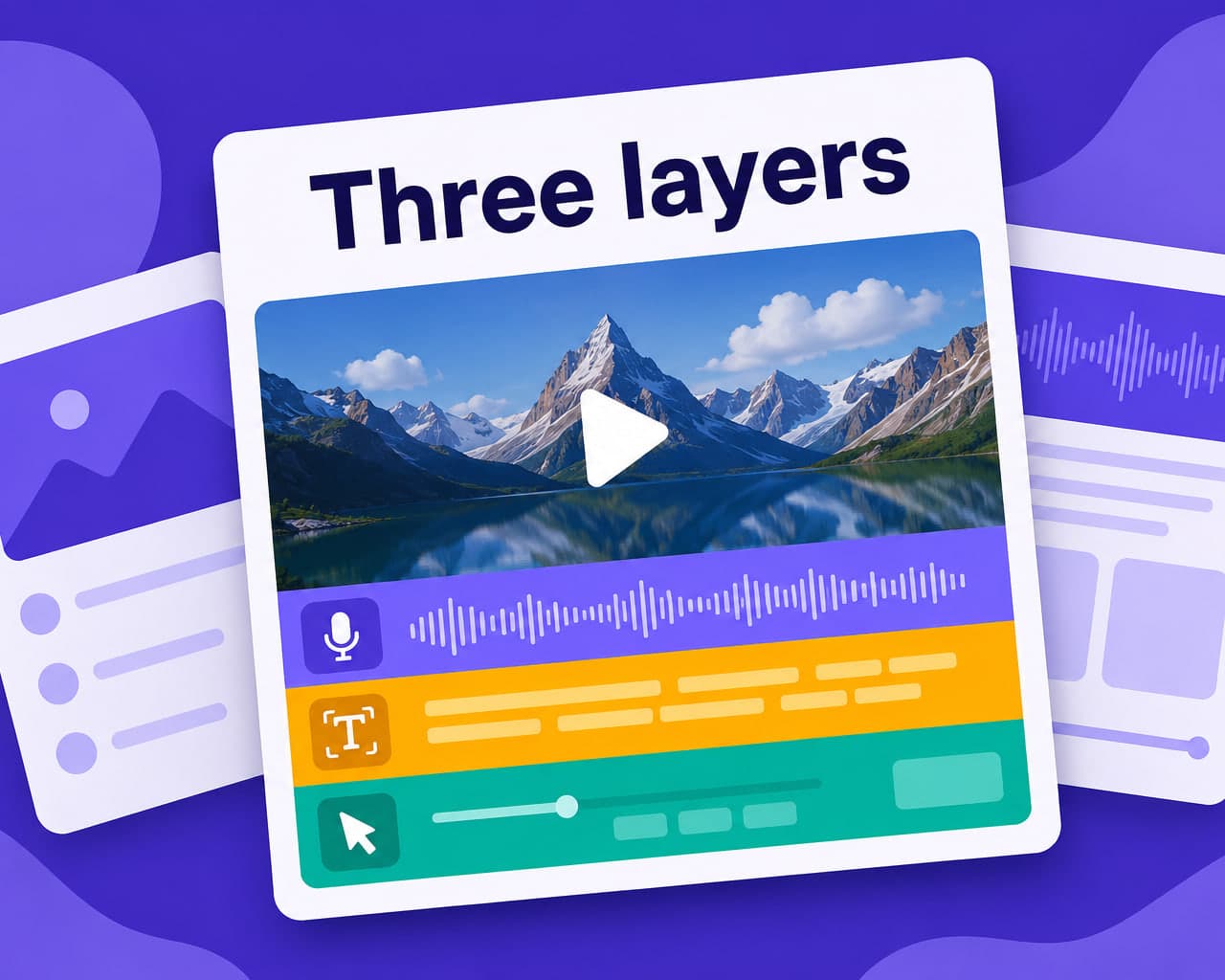
Quick answer — A demo video localizes in three layers: the narration, the on-screen text burned into the recording, and the app UI visible in the capture. Only the first is dubbing, and the third goes stale with each release.
Vitra.ai Universe keeps one product vocabulary across box, app, page and video.
Three layers, one file
A product demo looks like a dubbing job and is not.
| Layer | Contains | Treatment |
|---|---|---|
| Narration | Spoken explanation | Dubbing or voice-over |
| Burned-in text | Callouts, lower thirds, key figures | Re-rendered per language |
| Captured UI | The app on screen | Re-shot, or re-composited |
| Device labels | Ports, buttons in close-up | Usually left, sometimes annotated |
Dub the narration and ship it, and the result is a video where a confident local voice describes a screen the viewer cannot read. That is worse than subtitles, because it implies the video was made for them.
The UI in the capture is the hard part
Screen recordings age. The app in the footage is the build that existed on the shoot day, and by the time the video is localised and published, the layout has moved and a feature has been renamed. Two workable approaches. Shoot the screen sections as separate clips so they can be recaptured per language without reshooting the presenter, or composite the UI in post so the screen layer is replaceable.
Both cost something at production time and save far more later, because the alternative is a full reshoot per language per release.
Callouts and figures
Burned-in callouts are pixels and need re-rendering rather than translating in a subtitle track. Any number shown on screen — a battery figure, a range, a price — has the formatting and claim problems described on the spec sheet, and now it is baked into a frame where nobody proofreads it.
Design the lower thirds with expansion room, the same way as the quick start card.
Dubbing or subtitling
For a demo, the deciding factor is what the viewer is looking at. If the value is in watching a hand operate the device, subtitles compete with the very thing the video exists to show, and dubbing wins. If the video is a talking presenter with cutaways, subtitles are cheaper and often enough. Video dubbing handles the first case, including keeping the presenter's own voice across languages, and there is a fuller comparison in subtitles versus dubbing.
Build for variants from the start
The same demo usually needs a long form, a short cut, a silent social version and a retailer in-store loop, in every market.
Producing those from one approved master through video creation rather than editing each is the difference between a launch that ships on time and one that ships in three markets. The same master feeds the retail campaign.
Keep the terminology aligned with the companion app, since a feature named one way in the video and another in the app sends the viewer looking for something that is not there. Producing every cut and language from one master is video localization.
FAQ
Is localizing a demo video just dubbing? No. A demo has three text-bearing layers — the narration, burned-in callouts, and the app UI visible in the screen capture. Dubbing only addresses the first, and the third is the one viewers notice.
How do you handle app screens inside a demo video? Either shoot screen sections as separate clips so they can be recaptured per language, or composite the UI in post so the screen layer is replaceable. Both cost production time and avoid a reshoot per release.
Should a device demo be dubbed or subtitled? It depends what the viewer is watching. If the value is in seeing hands operate the device, subtitles compete with the demonstration and dubbing wins; a talking presenter with cutaways subtitles fine.
How many versions of a demo does a launch need? Usually a long form, a short cut, a silent social version and an in-store loop, in every market. Generating those from one approved master is what makes a multi-market launch ship on schedule.