Quick answer — Text-to-video alone produces a different protagonist in every clip, because each generation starts from nothing. The fix is to generate one still, approve it, and pass that image as the reference first frame for every clip so they all inherit the same subject.
Video creation supports reference-frame generation.
Why it happens
Every clip is generated independently. The model has no memory of the last one, so "a woman in a blue jacket" produces a different woman each time — different face, different jacket, different everything that the prompt did not pin down.
For a single clip nobody notices. Across a six-scene video it is the first thing a viewer sees, and it makes the whole thing look assembled from stock.
The fix is an image, not a longer prompt
Prompt engineering does not solve this. You cannot describe a face precisely enough in words, and even if you could the model would interpret it differently each run.
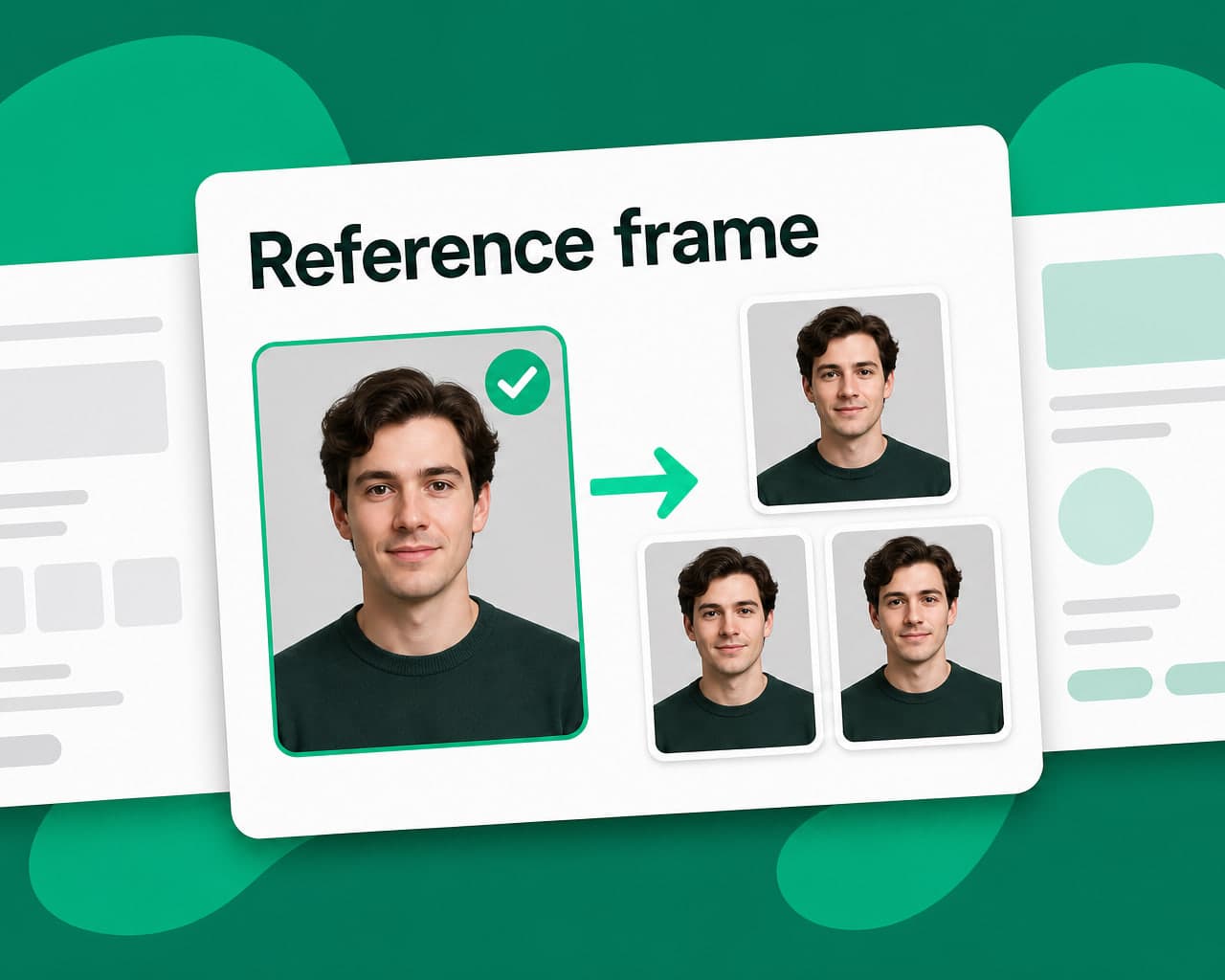
What works is passing an image. Generate one still of your protagonist, approve it, then use that image as the reference first frame for every subsequent clip. Each generation now starts from the same picture instead of from a description, so the character carries.
The sequence is:
- Generate several candidate stills of the subject
- Pick one, and treat it as canonical from then on
- Generate every clip from that reference
- Composite the clips together
What still drifts
| Element | Holds? |
|---|---|
| Face and build | Usually, with a reference frame |
| Clothing colour and cut | Mostly |
| Small props and accessories | Often not |
| Background and location | No — describe it per clip |
| Lighting and grade | No — fix in the composition step |
Accessories are the common annoyance. A watch, a badge, a specific bag will come and go, so either make them prominent in the reference or leave them out of the story.
A constraint worth planning around
Reference-frame generation often forces the longest available clip duration, so you get less flexibility in edit length than you would generating from text alone. That is usually a fair trade, but it should shape the storyboard rather than surprise you at the edit.
The alternative: don't generate the person
The cheaper answer is often to avoid the problem. Animate one approved still across several beats, or use a lip-synced presenter from a single photograph, and the consistency question disappears because there is only ever one image of the person.
Generated footage earns its place in scenes without a recurring character — landscape, product, texture, abstraction. For product shots specifically, image personalization adapts one approved frame rather than generating a new one.
Where to start
Generate four clips of the same described character with no reference frame, then four more from a single approved still. Put them side by side. The argument makes itself, and the second set is what you can actually ship.
FAQ
Why does AI video show a different person in every clip? Because each clip is generated independently with no memory of the last one. A text description cannot pin a face down precisely enough, so the model invents a new interpretation every run.
How do you keep a character consistent across AI video clips? Generate one still of the subject, approve it, and pass that image as the reference first frame for every clip. Each generation then starts from the same picture rather than from a description.
Does better prompting fix character drift? No. You cannot describe a face precisely enough in words, and the model would interpret the same description differently on each run. The fix has to be an image, not more text.
What still changes even with a reference frame? Small props and accessories come and go, and background, location, lighting and grade do not carry at all. Describe those per clip and correct the grade in the composition step.