Quick answer — A .pptm is a macro-enabled PowerPoint. Everything true of a normal deck applies, plus two things: the VBA project must survive the round trip, and any user-facing text inside the macros is content the slide translation will not reach.
Two layers of content
The slides behave exactly like a .pptx — fixed text boxes, speaker notes, masters, charts and SmartArt, with the same overflow problem when translated text runs longer. Underneath sits a VBA project. It may only automate formatting, or it may present message boxes, input prompts and button captions to whoever runs the deck. Those strings never appear on a slide and no slide-level translation touches them.
The macros must come back intact
A translation process that opens, edits and re-saves the file has to preserve the VBA project. Some conversion routes strip it, and the file arrives as a working deck whose automation has silently gone.
Verify by running the macro after translation rather than by opening the file. The macro's absence does not show on any slide.
Strings inside VBA
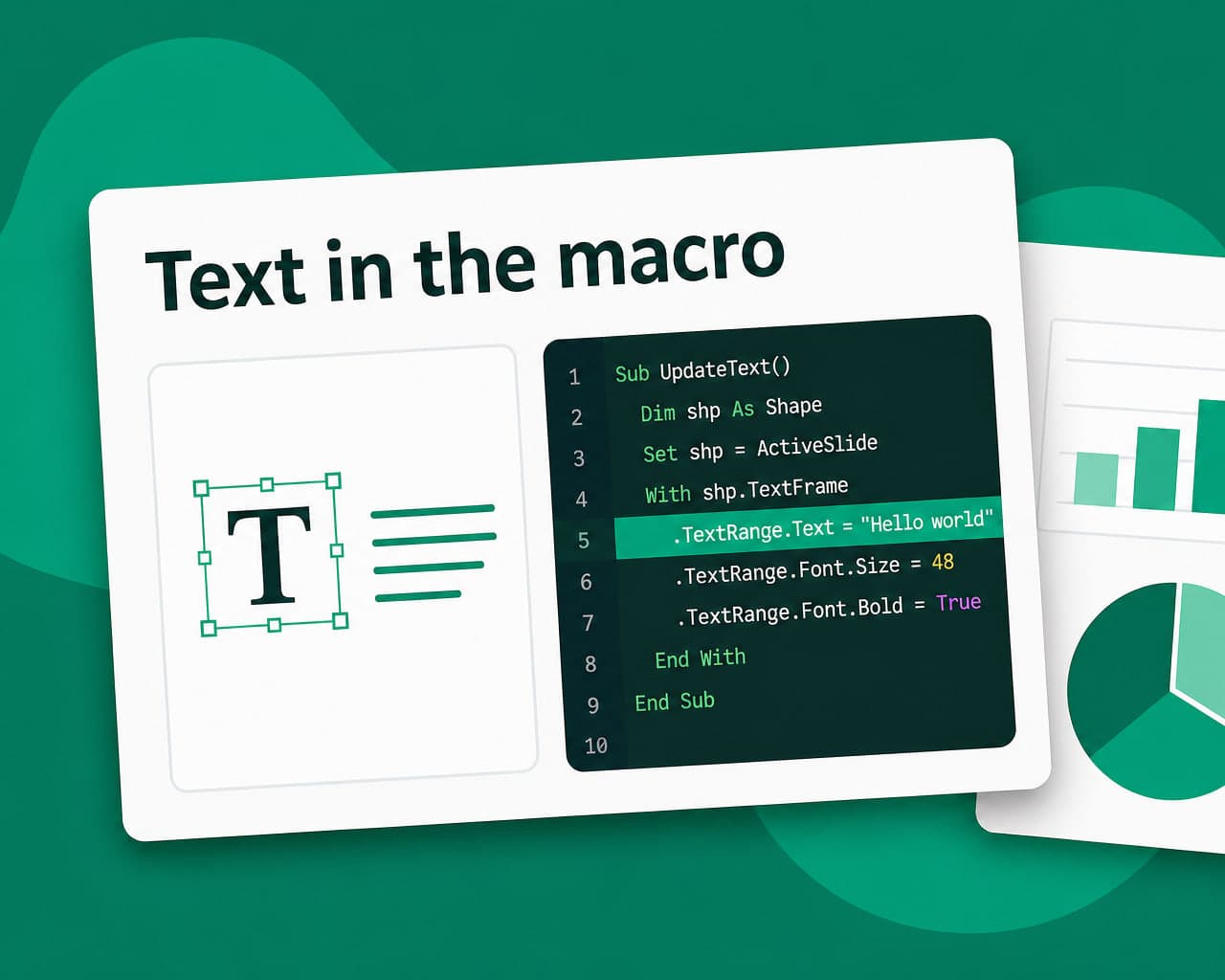
MsgBox "Please select a region" is user-facing text living in code. Translating it means editing the VBA, which is a code change rather than a content one and needs the same care as any other code edit.
Where a deck is distributed to several markets, the sustainable pattern is to move those strings into a table on a hidden slide or an external resource and read them at runtime, so future translation is content work rather than development.
Security and distribution
Macro-enabled files are blocked by default in many organisations and stripped by some mail gateways. That is a distribution constraint rather than a translation one, and it is worth knowing before producing twelve language versions of a file half the recipients cannot open.
Ask whether the macros are still needed. A surprising number of .pptm files carry automation nobody has used in years, and converting to .pptx removes the whole problem.
Everything else is a normal deck
Text boxes overflow in German. Speaker notes get skipped. Chart labels live in an embedded sheet. SmartArt hides text inside the graphic.
All of that is covered on the PowerPoint translation page, and applies here identically.
document translation handles the slide content and translation memory keeps recurring decks cheap after the first pass.
Setup notes are on the .pptm integration page.
Version the macro separately
Where macros genuinely matter, keeping the VBA in version control alongside the deck means a stripped project is recoverable rather than lost. Exporting the module to a text file takes seconds.
It also makes translating strings inside the macros reviewable, since the change appears as a readable diff rather than as a binary difference nobody can inspect.
Test on the target platform
Macro behaviour differs between PowerPoint on Windows and on macOS, and some VBA does not run on the web version at all. A translated deck distributed to a mixed estate should be checked on each.
That is worth confirming before producing twelve language variants of a file that only works on half the machines receiving it.
Where to start
Ask whether the macros are used. If not, convert to .pptx first and the job becomes an ordinary deck translation.
FAQ
What is different about translating a .pptm file? It is a macro-enabled PowerPoint, so alongside the usual slide content there is a VBA project that must survive the round trip and may contain user-facing strings no slide translation reaches.
How do I know if macros survived translation? Run one. The VBA project's absence does not show on any slide, so a file can arrive as a working deck whose automation has silently been stripped by the conversion.
How should strings inside VBA be handled? Editing them is a code change rather than a content one. For decks distributed across markets, move those strings to a table on a hidden slide or an external resource so future translation is content work.
Should a .pptm be converted to .pptx? Often yes. Many carry automation nobody has used in years, macro-enabled files are blocked by default in many organisations, and converting removes both the distribution and the translation complication.