Quick answer — A .potm is a macro-enabled PowerPoint template. It carries everything a .potx does — masters, layouts, placeholder prompts, theme fonts — plus a VBA project that must survive translation and may hold its own user-facing strings.
Leverage and fragility together
A template propagates: translate it once and every deck built from it inherits the result. That is the whole advantage. A macro-enabled file is fragile: the VBA project can be stripped by a conversion step, blocked by policy, or removed by a mail gateway. That is the risk, and in a template it propagates too — every deck saved from a .potm inherits the macro situation as well as the layout.
Ask the macro question first
Before any translation work, establish what the macros do. In templates they commonly automate deck assembly: inserting standard slides, applying branding, populating a title from a form.
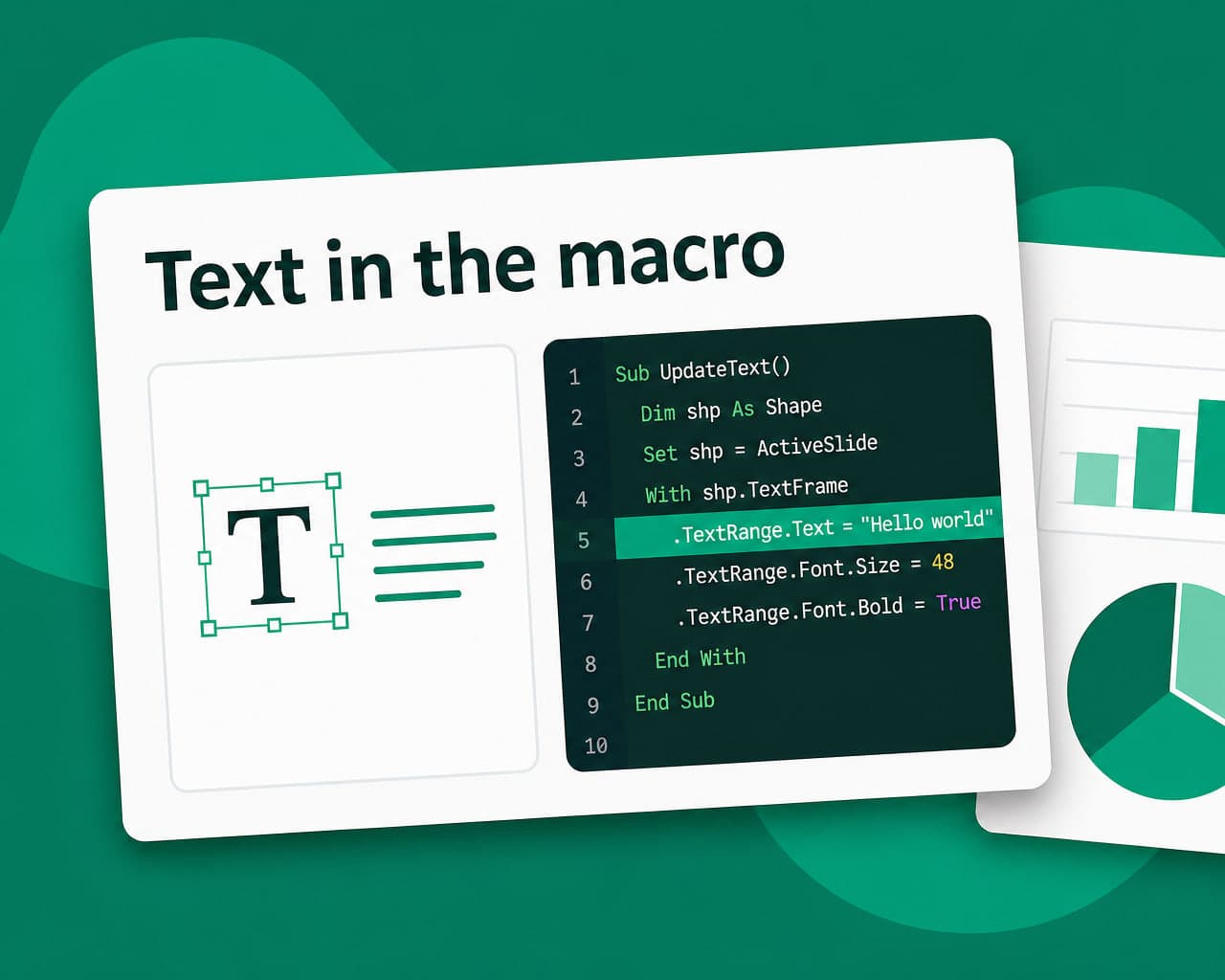
If a macro presents a prompt or a message box, that text is user-facing content sitting in code. If the macros are unused, converting to .potx removes the whole category of problem and should be the first recommendation.
What propagates to every deck
Placeholder prompt text, so whoever builds a deck sees instructions in their own language. Theme fonts, which must cover the target script. Footers, date formats and slide numbering. Boilerplate slides carried in the template.
Each of those is translated once and correct thereafter, which is why templates are worth more attention than the decks they produce.
The font question again, and it is the important one
A theme font lacking the target script means silent substitution in every derived deck. Check coverage per market before translating, because the answer may change the brand system rather than the template.
Verifying a translated template
Create a new presentation from it and check three things: the prompts appear in the target language, the fonts render rather than substitute, and the macros still run.
The third is the one people skip, and it is the one that fails silently.
Distribution reality
Macro-enabled files are restricted in many organisations. Producing twelve language versions of a file most recipients cannot open is a waste that is entirely avoidable by asking first.
The non-macro sibling is covered on the .potx integration page, and the macro-enabled deck format on the .pptm page.
document translation handles masters and layouts while translation memory keeps boilerplate identical across template variants.
Setup notes are on the .potm integration page.
Decide the macro question at organisation level
Whether macro-enabled templates are used at all is a policy question rather than a per-file one. Answering it once removes repeated work, since every future template inherits the decision.
Most organisations that check discover the macros were solving a problem their current tooling already handles.
Signing and trust
Some organisations require macro-enabled files to be digitally signed. Editing the VBA invalidates the signature, so a translated template needs re-signing before distribution.
That is a step outside the translation process entirely, and it is the one that strands finished files in a folder waiting for somebody with the certificate.
Verify on a clean machine
Test the finished template where macro settings are at their default rather than on the machine that built it, which usually trusts everything already.
Where to start
Establish whether the macros are still used. That answer decides whether this is a template translation or a code project.
FAQ
What is a .potm file? A macro-enabled PowerPoint template. It carries masters, layouts, placeholder prompts and theme fonts like a .potx, plus a VBA project that must survive translation and may hold user-facing strings.
Why are templates worth translating before decks? Because they propagate. Translating a template once means every deck built from it inherits correct prompts, footers and fonts, rather than each deck being corrected individually afterwards.
How do I verify a translated .potm? Create a new presentation from it and check that prompts appear in the target language, fonts render rather than substitute, and the macros still run. The last one is skipped most often and fails silently.
Should a .potm be converted to .potx? If the macros are unused, yes. It removes the conversion fragility and the distribution restrictions that block macro-enabled files in many organisations.