Quick answer — Translating a spreadsheet means translating some cells and deliberately not translating others. Labels and headers are content; numbers, codes and formulas are not, and a tool that treats the sheet as text will break the arithmetic.
A spreadsheet is not a document
Most content types are text with structure around them. A spreadsheet is structure with a little text in it, and the text is scattered through cells that look identical to a machine.
Column headers are content. Row labels are content. A product code is not. A formula is definitely not, and a translated SUM is a broken sheet.
Decide field by field, once
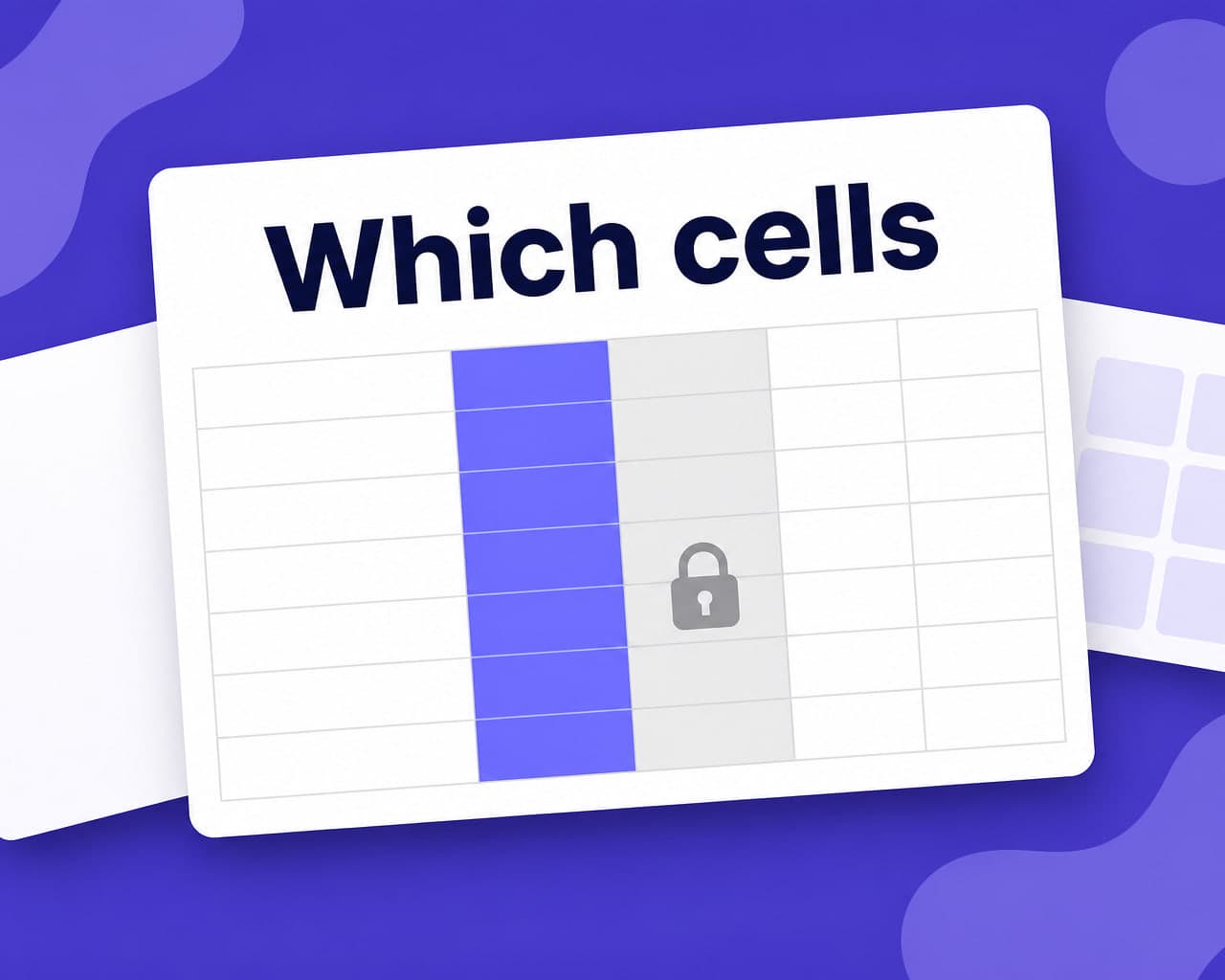
The useful discipline is to classify columns before translating anything:
| Cell type | Translate? |
|---|---|
| Headers and row labels | Yes |
| Free-text notes and descriptions | Yes |
| Category values from a fixed list | Only if the list is localized everywhere it is used |
| Product codes, SKUs, IDs | Never |
| Numbers, dates, currency | Never — reformat, do not translate |
| Formulas and named ranges | Never |
That table takes ten minutes to fill in for a given sheet and it removes the entire class of problems.
Controlled values are the trap
A status column reading "Active" or "Pending" looks like content. If a pivot table, a filter or a lookup elsewhere depends on that exact string, translating it breaks the thing that reads it.
Either localize the display layer and keep the stored value in English, or change every dependent formula. Doing half of it is what produces a sheet that looks fine and reports nothing.
Numbers are a formatting question
Decimal separators, thousands separators and date order differ by locale. That is not translation, it is formatting, and the two get conflated constantly.
Change the locale of the sheet rather than editing the values. Editing them turns numbers into text and the totals stop working.
What sheets are actually used for
Product catalogues before they reach a store. Price lists. Survey responses. Content inventories waiting to be published. Glossaries themselves.
In most of those the sheet is a staging area, and the translation needs to survive the export into whatever consumes it next. Test the export, not the sheet.
Reuse across versions
A catalogue sheet is refreshed constantly, and most rows do not change between refreshes.
translation memory returns the previously approved rendering for those rows instantly, so the work scales with what changed rather than with the size of the file.
The route through
Connect the sheet, choose which columns are translatable, pick languages, apply a glossary, and review.
document translation handles the structured side and quality control records the review.
Setup and permissions are covered on the Google Sheets integration page.
Sheets feed other systems
A spreadsheet is rarely the destination. It gets imported into a catalogue, a CMS, an ad platform or a database, each with its own rules on field length, allowed characters and required columns.
A translation that is perfect in the sheet and two characters too long for the destination field fails at import, usually as a row-level rejection nobody reads. Test the import with one translated row before running the whole file.
Where to start
Classify the columns before touching anything. Every problem in this format comes from translating a cell that should have been left alone.
FAQ
How do I translate a Google Sheet without breaking formulas? Classify columns before translating: headers and free text are content, while product codes, numbers, dates, formulas and named ranges must be left alone. Most spreadsheet failures come from translating a cell that should have been skipped.
Should status or category values be translated? Only if nothing depends on the exact string. If a pivot table, filter or lookup reads that value, translating it breaks the dependency, so localize the display layer and keep the stored value unchanged.
How are numbers and dates handled? By changing the sheet's locale rather than editing the cells. Decimal separators and date order are formatting, and editing values directly turns numbers into text so the totals stop calculating.
What happens when the sheet is refreshed? Rows that have not changed return their previously approved translation from memory, so the work scales with what actually changed rather than with the size of the file.