Quick answer — Markdown translates cleanly as long as four things are protected: code blocks must stay verbatim, link syntax must survive, YAML front matter keys must not be translated even though their values should be, and heading anchors change when headings do.
Markdown is the friendliest format, with four sharp edges
Plain text with light syntax means there is very little structure to destroy. Most of a Markdown file translates without incident.
The exceptions are specific and they break silently, which is worse than breaking loudly.
Code blocks must not be touched
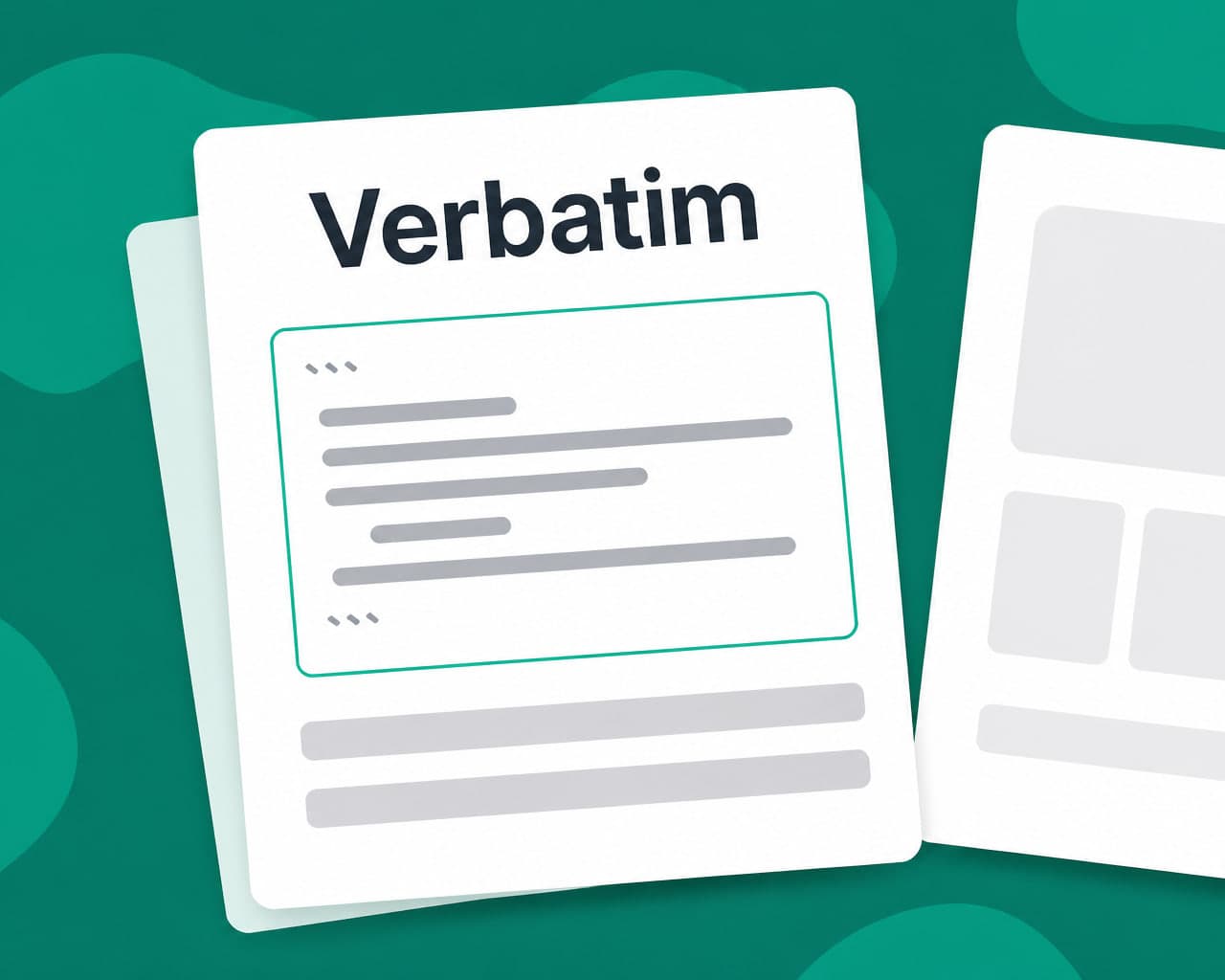
Anything inside a fence is code. Translating a comment inside a code sample is sometimes wanted; translating a variable name, a command or a string literal produces documentation that does not work when followed.
Default to leaving fenced blocks verbatim and make translating comments an explicit choice rather than a side effect.
Link syntax survives, link text changes
[text](url) needs the text translated and the URL left alone. Reference-style links add a second trap, because the label and the definition have to keep matching. Relative links between documents are the ones that break. If the translated set lives in a different directory, every relative path has to be rewritten or the whole documentation set cross-links back into English.
Front matter: translate the values, never the keys
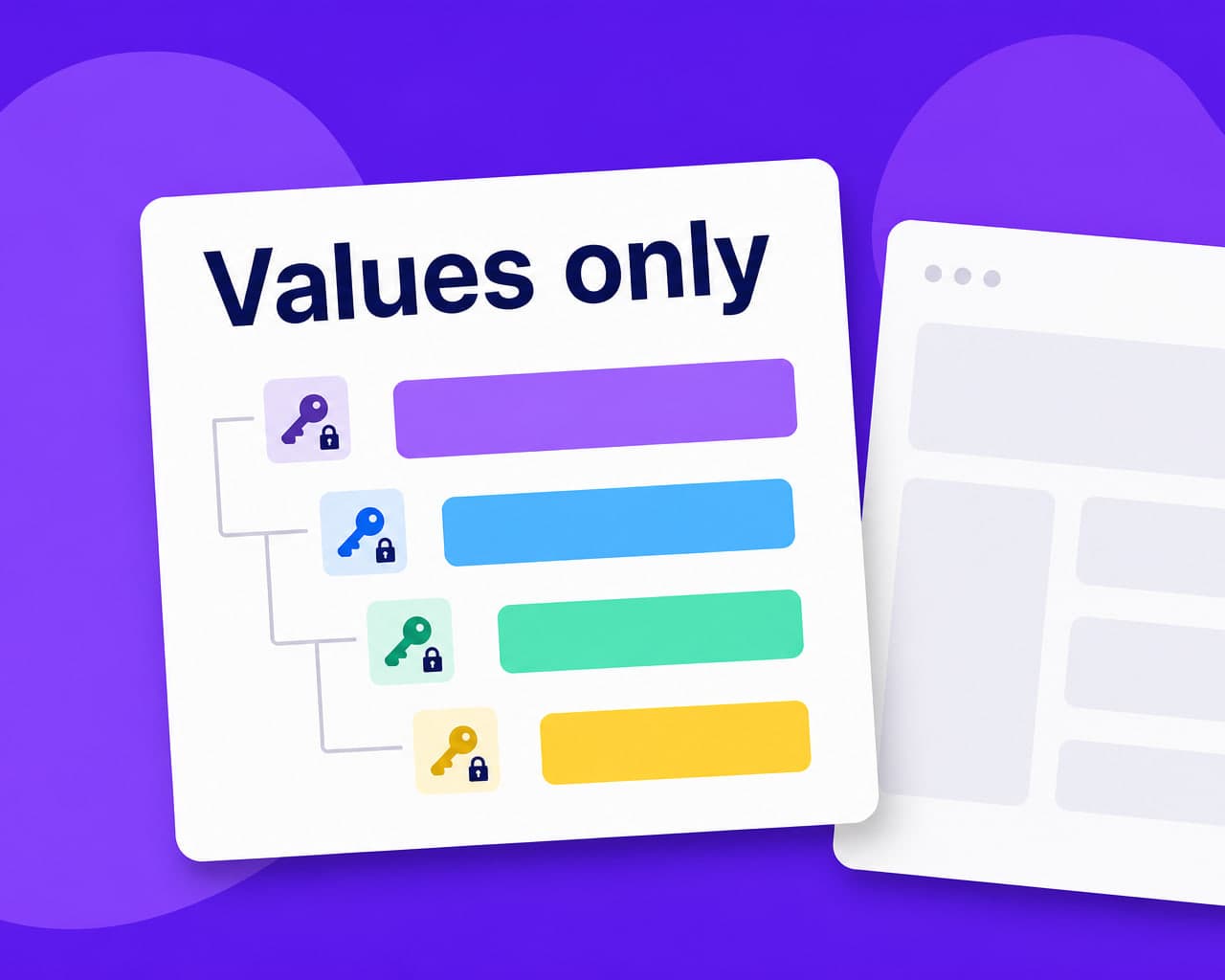
A YAML block at the top of the file carries title, description, tags, slug. The keys are code that a static site generator reads. The values are content.
Translate a key and the build breaks. Translate slug and the URL changes, which may be what you want for search — but it needs a redirect from the old one.
Heading anchors move when headings do
An in-page link to #getting-started resolves against the heading text. Once that heading is translated the anchor changes, and every link pointing at it breaks — including links from other pages.
Either pin explicit anchor IDs in the source or accept that in-page links need rewriting per language.
Documentation repeats more than prose
Installation steps, prerequisites, configuration tables and troubleshooting sections recur across pages and across releases. translation memory makes the second version of a docs set dramatically cheaper than the first, and keeps a term rendered identically across two hundred pages, which manual review cannot.
The route through
Point the pipeline at the repository or upload the files, protect fenced blocks, set the front-matter rules, choose languages, review. document translation handles the structure and quality control the sign-off.
Repository setup is covered on the Markdown translation integration page.
Tables and nested lists need a look
Markdown tables are aligned with pipes and dashes. Longer translated cells do not break the table semantically, but they destroy the source readability that made the file hand-editable in the first place. Nested lists are the sharper one. Indentation sets nesting depth, so a translation that alters leading whitespace silently reparents an item to the wrong level and the rendered page changes shape.
Images and their alt text
Alt text is content and it is routinely skipped, because it sits inside the image syntax rather than in the prose. A documentation set that is fully translated except for every image description has failed the accessibility case that partly justified translating it.
Image paths, by contrast, must not change unless the assets are genuinely localized per language.
Where to start
Write the protection rules first — fences verbatim, keys never, URLs never — and run one page. Every later file inherits the same rules.
FAQ
Is Markdown safe to translate automatically? Mostly. Four things break silently: fenced code blocks, link syntax, YAML front matter keys and heading anchors. Protect those and the rest of a Markdown file translates without incident.
Should code blocks be translated? Not by default. Translating a variable name, command or string literal produces documentation that fails when followed. Translating comments inside a block should be an explicit choice rather than a side effect.
What happens to front matter? Translate the values and never the keys. Keys are read by the site generator, so translating one breaks the build, and translating the slug changes the URL, which needs a redirect from the old one.
Why do in-page links break after translation? Because heading anchors are generated from heading text. Once a heading is translated the anchor changes, and every link pointing at it breaks, including links from other pages.