Quick answer — To translate text inside a PNG or JPG, the text is detected, removed, the background behind it rebuilt, and the translation rendered in its place. It works well on flat backgrounds and struggles on texture, gradients and photographs.
Vitra.ai Universe translates the layer, then checks the result.
There is no text in the file
A JPG of a poster is a grid of coloured dots. The headline you can read is not stored as words anywhere — it is the same kind of data as the sky behind it.
So translating it is four operations, not one.
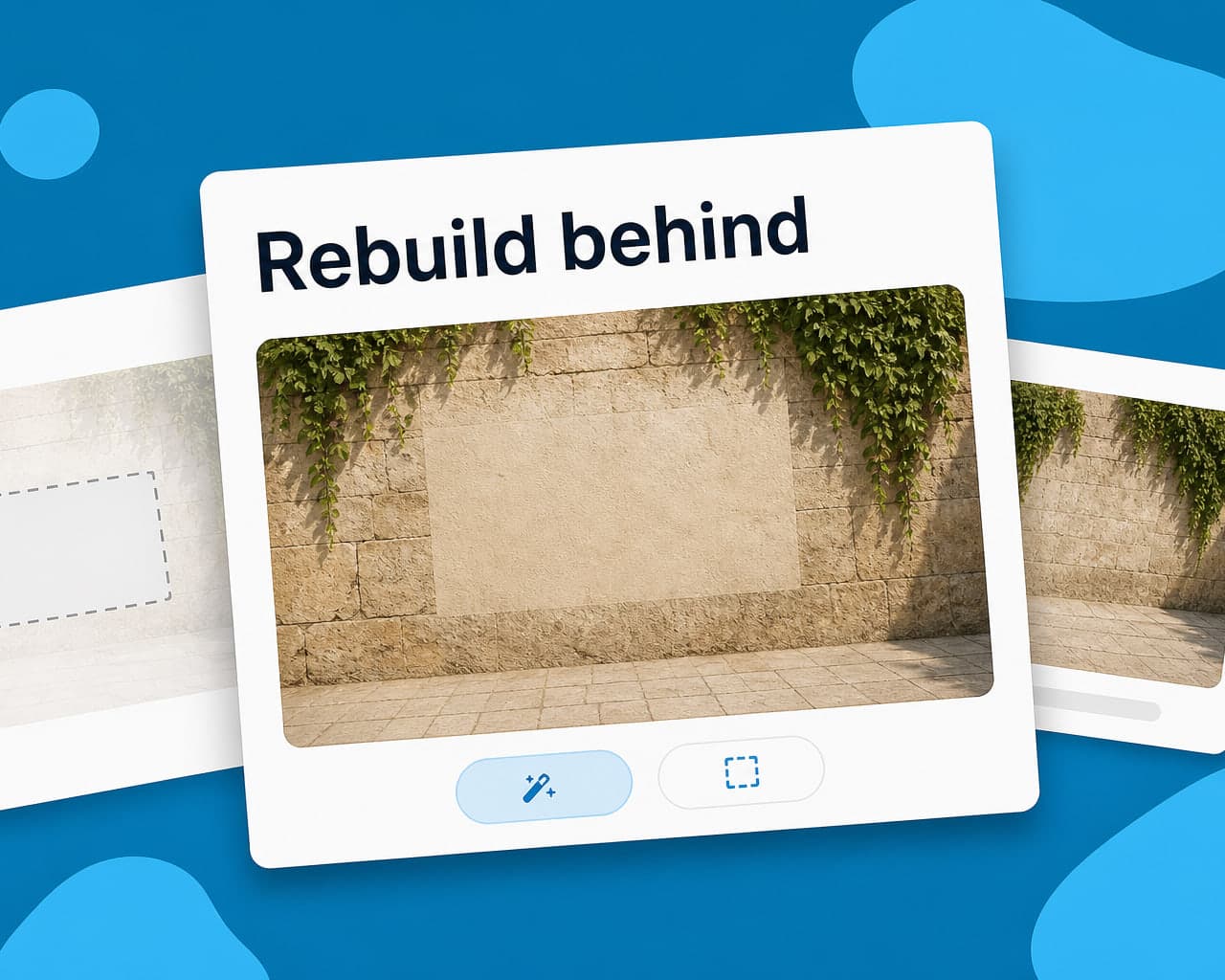
Detect where the text is. Remove it. Reconstruct whatever was behind it. Render the translation into that space, matching the original's typeface, weight, colour and alignment closely enough that nobody notices.
Where the reconstruction shows
Step three is the hard one, and its difficulty depends entirely on what sat behind the words.
| Background | Result |
|---|---|
| Flat colour | Effectively perfect |
| Subtle gradient | Usually clean |
| Repeating pattern | Good, occasional seam |
| Photograph | Visible if you look for it |
| Text over a face or product | Frequently obvious |
The rule of thumb is whether a human retoucher would find it easy. If they would have to clone-stamp carefully, the automated version will show the same strain.
Text sitting over the product itself is the case to avoid entirely, because that is exactly where a customer looks closely.
Find the source file first
This is the advice that saves the most money, and it gets skipped because hunting for a file feels slower than just translating the JPG.
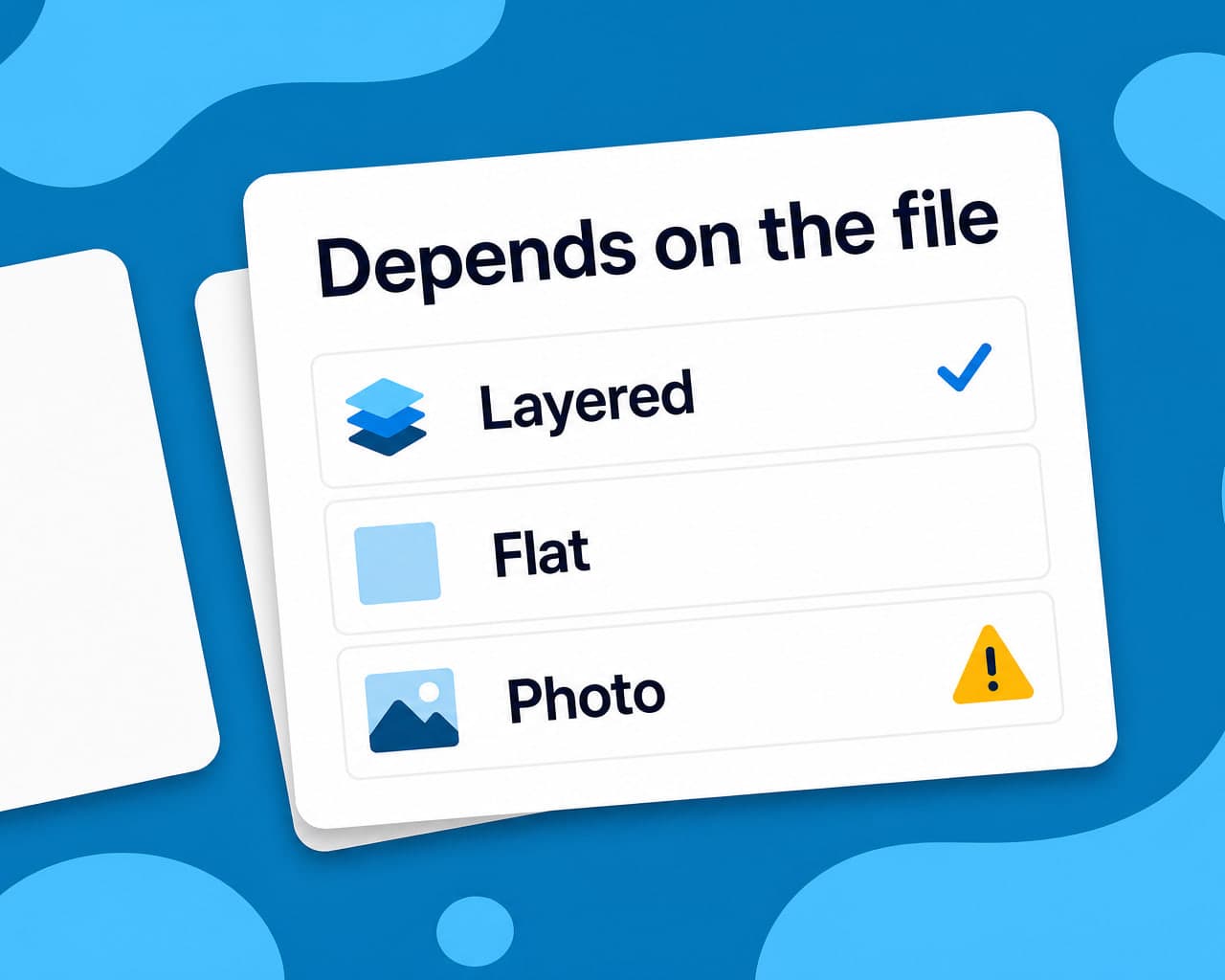
A layered PSD or the original Figma frame means no reconstruction at all — the text is a layer, and it is replaced. Ten minutes finding the source beats an afternoon fixing repaints.
Only fall back to pixels when the source is genuinely gone, which for old campaign assets it often is.
What to check afterwards
Expansion, first. A translated headline that no longer fits the space it was painted into has been shrunk, and shrunk type on a photograph reads as an error. Then the words. Quality control runs proofreading and a back-translation comparison on the rendered image, returning approved, review or blocked with the specific findings — which is the only way to review text that exists as pixels.
Corrections write back to translation memory, so the phrase is right the next time it appears in any format.
Where else image text hides
Animated and social formats need their own handling: GIF text has to survive the animation, and Instagram content mixes burned-in captions with platform text.
Web pages carry it too — .php templates often hold hard-coded strings behind the markup, which is a different problem from transliteration versus translation when a name has to stay recognisable rather than be translated.
FAQ
How do you translate text that is part of an image? The text is detected and removed, the background behind it is reconstructed, and the translation is rendered in its place matching the original typeface, weight and colour. There is no editable text in the file.
When does image text translation look wrong? When the background is complex. Flat colours and gradients rebuild cleanly, but text sitting over a photograph, a face or the product itself leaves visible artefacts where the original was removed.
Is it better to translate the source file instead? Almost always. A layered PSD or the original Figma frame means the text is a layer that can simply be replaced, with no reconstruction and no artefacts. Finding the source is usually faster than fixing repaints.
How is a translated image proofread? On the rendered image, since the words are pixels rather than strings. A proofreading pass and a back-translation comparison catch wording and meaning problems that no string export would reveal.