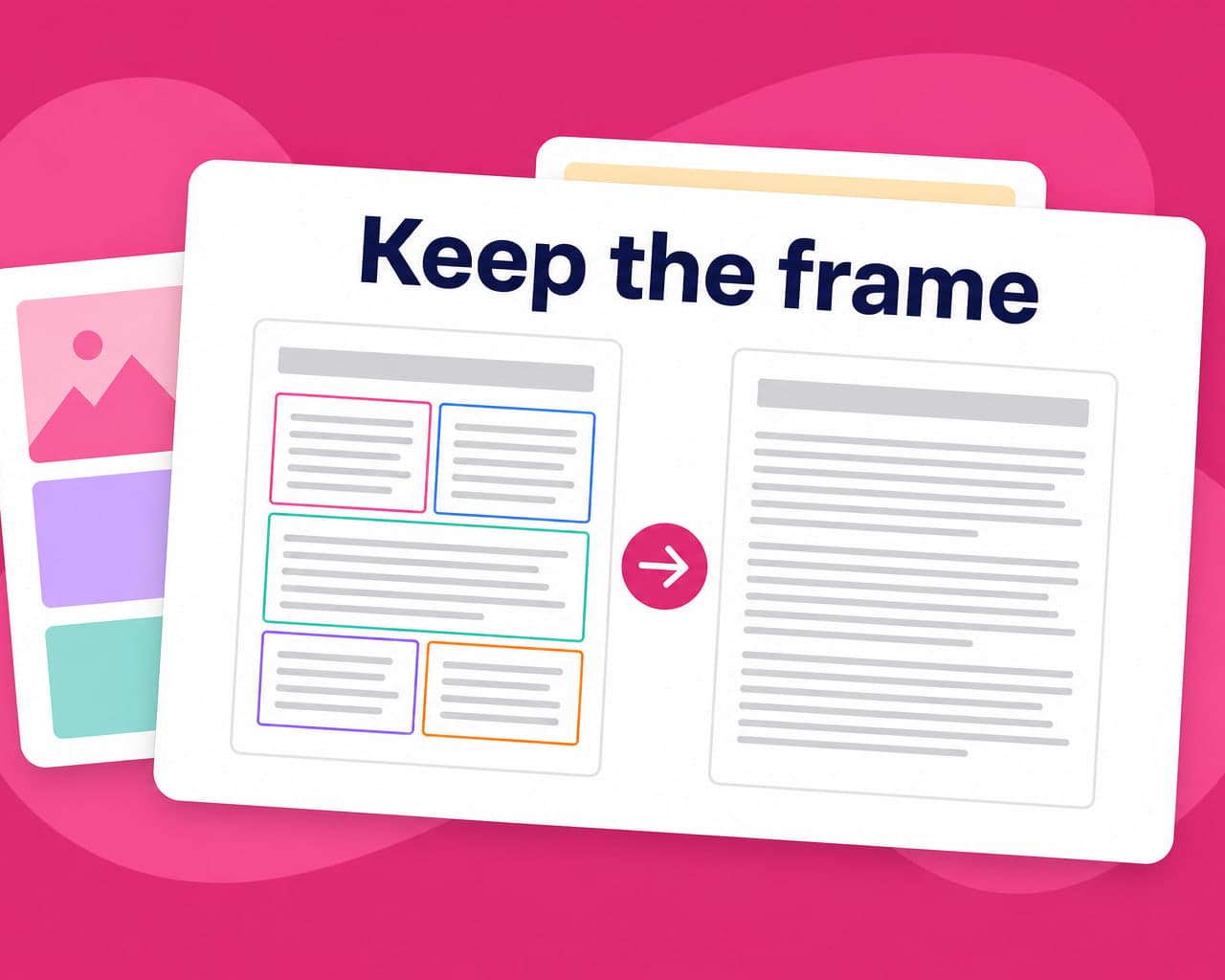
Quick answer — Copy a PDF into a translator and you get text without a document. To keep the layout you need a tool that reads the PDF's structure — text frames, tables, reading order — and rebuilds it around the translated text rather than pouring words onto a blank page.
Why PDFs break when you translate them
A PDF is not a document in the way a Word file is. It is a description of where marks sit on a page. There are no paragraphs that reflow and no table object that knows it is a table — there is text at coordinates, and a human eye that assembles the rest.
That is why copy-paste translation destroys a PDF. The text comes out in reading order if you are lucky and in column-scrambled order if you are not, and nothing carries the formatting back.
Text PDF or scanned PDF
Check this before anything else, because the two need different work.
A text PDF was exported from Word, InDesign or a browser. The characters are real and extractable, and translation can preserve structure directly. A scanned PDF is a photograph of a page. There are no characters at all until optical recognition creates them, and recognition errors become translation errors that nobody upstream can catch.
Open the file and try to select a sentence. If the cursor selects text, you have the first kind.
What has to survive
| Element | Why it breaks |
|---|---|
| Multi-column layout | Extraction reads across columns instead of down them |
| Tables | Cell boundaries are visual, not structural |
| Headers and footers | Repeat per page and get translated once per page |
| Page numbers and cross-references | Point at pages that move after expansion |
| Text inside images | Not text at all — needs image handling |
| Fonts | The translated language may need glyphs the embedded font lacks |
Text expansion is the constraint nobody plans for
German runs roughly thirty percent longer than English. Finnish and Russian are similar. A text frame sized to the English word overflows, and the usual fix — shrinking the type — fails the legibility the original design had to meet.
A PDF cannot reflow to absorb that, which is why translated PDFs so often end up with a smaller type size than the source. Designing the original with expansion room is free; retrofitting it is not.
Where the text is not text
Charts, diagrams, screenshots and scanned signatures carry words that live inside pixels. Extraction skips them entirely, so a document can come back "fully translated" with every figure still in English.
That is an image problem rather than a document one, and image translation is what handles it in place instead of rebuilding the graphic per language.
Doing it once rather than every quarter
Most business PDFs are versions of a previous PDF. A quarterly report, a datasheet, a policy document — each release repeats most of the last one. translation memory reuses the approved rendering of every sentence that has not changed, so the second edition costs a fraction of the first and the wording stays consistent across releases. That matters more than raw speed for anything published on a cycle.
The practical route
Upload the file, pick the target languages, apply a glossary for product and legal terms, and review before publishing. document translation keeps the structure while the text changes, and quality control gives you a record that somebody checked the output.
The full workflow, including the file limits and supported options, is on the PDF translation integration page.
Forms are their own problem
A fillable PDF has form fields with names, tooltips and validation. The field label is content; the field name is an identifier the submitted data is keyed by, so translating it breaks whatever receives the submission. Flattened forms are worse again, because the field is now a box drawn on a page and the label beside it is loose text with no relationship to it.
Where to start
Take your most-reissued document — the one that comes out every quarter — and run that one first. It is where memory pays back fastest and where inconsistency between versions is most visible.
Then decide the glossary before the second language, not after the fifth.
FAQ
How do I translate a PDF without losing formatting? Use a tool that reads the PDF's structure — text frames, tables and reading order — and rebuilds the layout around the translated text. Copy-pasting into a translator returns words without the document around them.
Can a scanned PDF be translated? Only after optical character recognition creates the text, and recognition errors then become translation errors. Check by trying to select a sentence: if the cursor selects text, the PDF is extractable; if not, it is an image.
Why does translated text overflow a PDF? Because German, Finnish and Russian run roughly thirty percent longer than English and a PDF cannot reflow to absorb it. Designing the source with expansion room is free; shrinking type afterwards fails the original legibility standard.
Does translation cover text inside charts and screenshots? Not through document extraction, because that text is pixels rather than characters. It needs image translation, which is why a document can come back fully translated with every figure still in English.