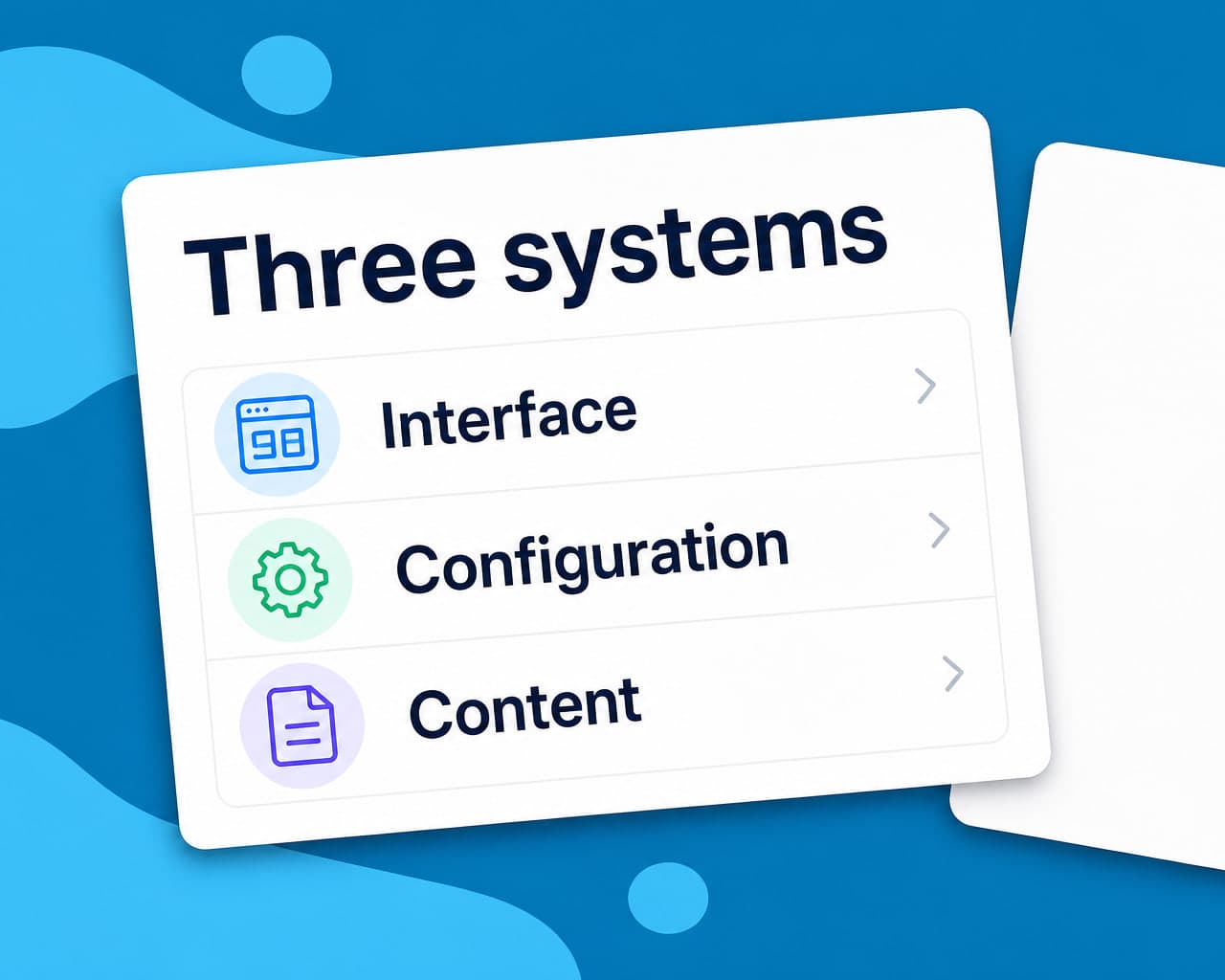
Quick answer — Drupal ships multilingual support in core, split across three systems — interface translation, configuration translation and content translation. Most Drupal localization problems come from confusing which one owns a given piece of text.
Three systems, three kinds of text
Interface translation handles strings shipped by Drupal and its modules — button labels, error messages, admin text. These come from .po files. Configuration translation handles things you configured: field labels, view titles, menu names, block descriptions. Configuration is not content, and it is translated separately.
Content translation handles nodes, taxonomy terms, media and paragraphs — the things editors create.
A team that enables only content translation gets translated articles sitting inside an English interface with English field labels. That is the classic half-finished Drupal site, and it looks broken rather than foreign.
Enable all four modules, not two
Language, Interface Translation, Content Translation and Configuration Translation are separate modules. Enabling the obvious two is what produces the gap above.
Entity-level granularity is a real advantage
Drupal lets you decide translatability per entity type and per field. A product node can have a translatable description and a shared SKU, enforced by the system rather than by convention. Spend the time on this configuration up front. Changing translatability after content exists is possible and unpleasant, and getting it right first means the system prevents the mistakes rather than a reviewer catching them.
Paragraphs and nested entities
Most modern Drupal sites build pages from Paragraphs or a similar nested entity. Each nested entity has its own translation settings, and a page can therefore be marked translated while half its components are not.
Check a built page rather than a node when validating.
URLs and language negotiation
Drupal negotiates language by URL prefix, domain, session or user preference, configurable in order. Prefix or domain are the two that produce indexable distinct URLs; session and user preference do not.
For anything that needs to rank, use prefix or domain and let the others sit underneath as fallbacks.
Views, blocks and the fiddly bits
A view's exposed filter labels, a block's title, a menu link, a taxonomy term description. Each is configuration or content depending on where it came from, and each is easy to miss because none of them is a node.
Keeping it current
Content changes constantly and Drupal will not tell you a translation is stale unless you configure it to. Fire translation on the publish event, and let translation memory return the unchanged paragraphs so only genuine edits cost anything. quality control gives the review record.
Module setup and supported entity types are on the Drupal integration page.
Media and file entities
Alt text, captions and file descriptions are fields on media entities, and media is translatable separately from the node that embeds it. A translated article can therefore carry English alt text on every image.
That matters for accessibility as much as for search, and it is the field most often left out of a translatability configuration because nobody thinks of media as content.
Migration and update paths
Drupal major-version upgrades touch multilingual configuration, and translated content is where migrations most often lose fidelity. Export a translated node before and after any upgrade and diff it.
Where to start
Enable all four language modules and translate the interface first. An English admin and English field labels undermine every translated article behind them.
FAQ
Does Drupal support multiple languages out of the box? Yes, through four core modules: Language, Interface Translation, Content Translation and Configuration Translation. Enabling only some of them is the most common cause of a half-translated Drupal site.
What is the difference between content and configuration translation? Content translation covers what editors create — nodes, taxonomy terms, media. Configuration translation covers what you set up — field labels, view titles, menu names. They are separate systems with separate interfaces.
Why is my Drupal page translated but its components are not? Because nested entities like Paragraphs carry their own translation settings. A node can be marked translated while the components building the page are not, so validate a rendered page rather than a node.
Which language negotiation method should Drupal use? URL prefix or domain, because those produce distinct indexable URLs. Session and user preference do not create crawlable addresses, so pages served that way cannot rank.