Quick answer — Four passes, in order. Scope the surfaces outside the app bundle, externalise the strings and find out what your server sends, pseudo-localize before a translator is involved, and put translation on the build rather than in a pre-release checklist. It rarely needs a rebuild.
Vitra.ai Universe covers app content, documents and the video around them.
1. Scope the surfaces outside the app bundle
| Surface | Where it actually lives |
|---|---|
| Screens and menus | Resource bundles, owned by the app team |
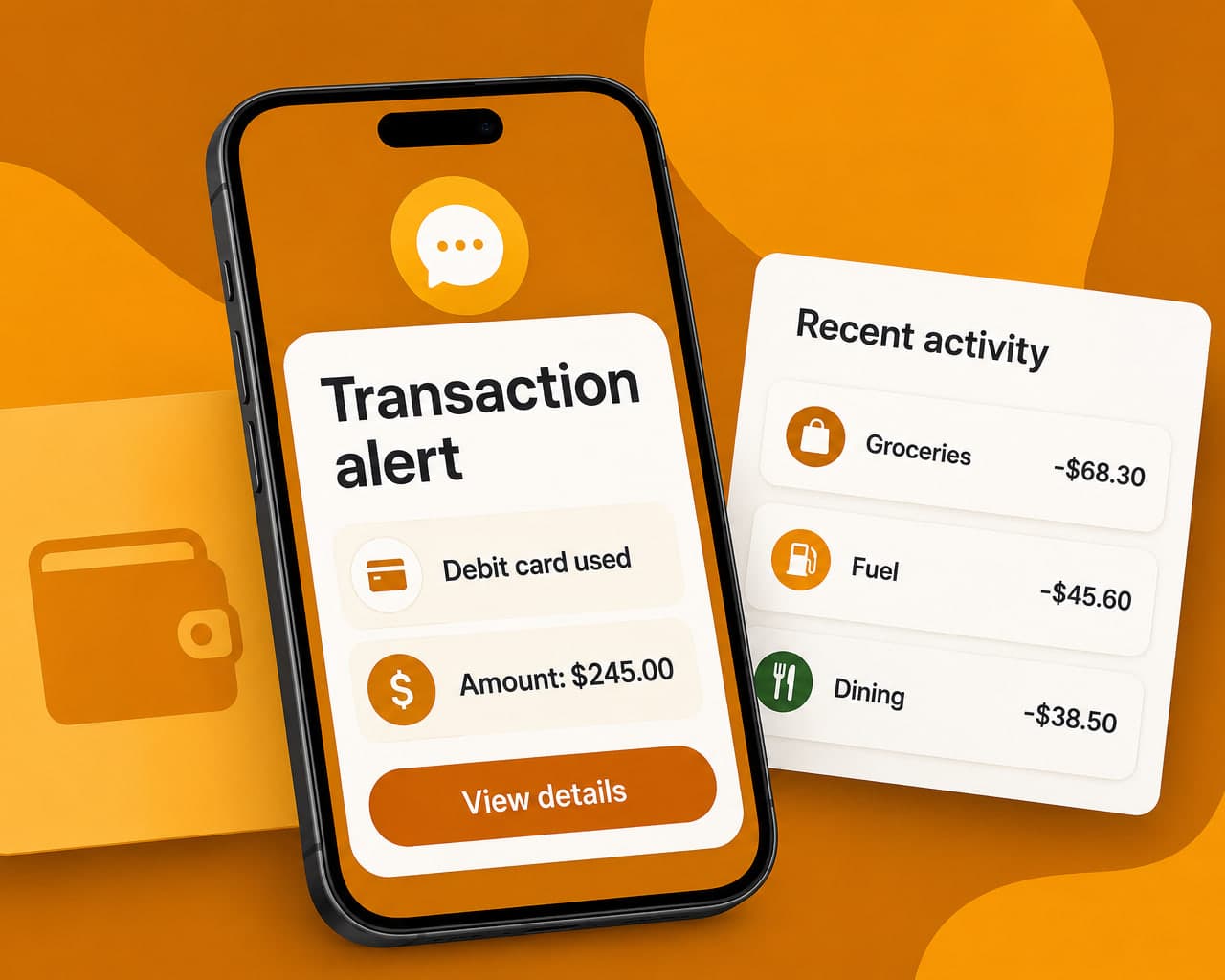
| Push notifications and SMS | A notifications service, owned by someone else |
| One-time passcodes | Often a third system again |
| Server-sent display text | Your API, not the client |
| Store listing and screenshots | The store, owned by marketing |
| Linked terms and statements | A document system |
The first row is what people mean by app localization. It matters least. A customer may open the app twice a month while receiving twenty messages, so the SMS template is the bank's most-read interface. Those templates belong on the same glossary as the web content, or the wording drifts.
Add the store listing to scope explicitly — it's a separate job with its own keyword research.
2. Externalise the strings, then find what the server sends
The rebuild is usually a myth. An SDK or the platform localization frameworks, so the blocker is normally a few hundred strings hard-coded in view files rather than sitting in a resource bundle. That's a week of refactoring.
The genuine architectural question is different: does the server send display text? Transaction descriptions, error messages and product names often arrive from an API in English, and client-side work cannot fix that.
3. Pseudo-localize before a translator is involved
German runs roughly 30% longer than English, and some languages run further.
| Where it shows up | What the user sees |
|---|---|
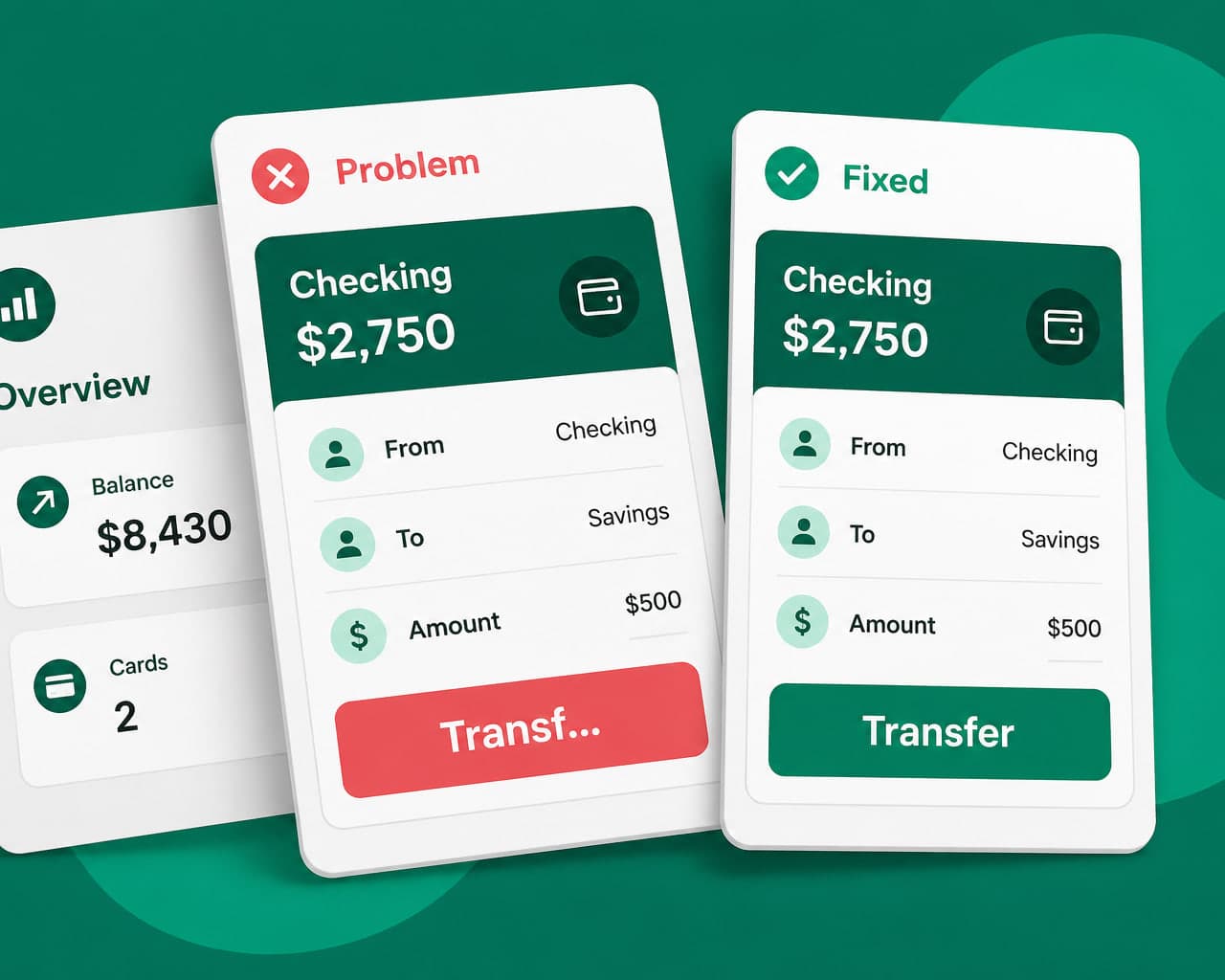
| Buttons and tab bars | Truncated labels, sometimes an ellipsis mid-word |
| Form field labels | Wraps to two lines, pushes the field off screen |
| Error banners | Text clipped, so the instruction is incomplete |
| Currency and dates | Right format, wrong convention for the market |
Render every string padded and accented, run the app and fix what breaks. An afternoon, and it catches the layout work before translation budget is spent.
4. Put translation on the build, not a pre-release checklist
A web page ships when marketing presses publish. An app ships when the release train leaves, with a store review in between, so a late string waits a fortnight.
Regulated content follows the same rule as the web: India, the EU, the US and Southeast Asia each add surfaces to the first pass, and document translation covers the statements and terms the app links out to.
After launch
Pick two languages from where your installs already are, not from a market-sizing deck. Then watch store page-view-to-install and seven-day activation by app language, which is where the benefits show up.
FAQ
Does localizing a banking app require rebuilding it? Rarely. Both iOS and Android ship localization frameworks, so the usual blocker is a few hundred strings hard-coded in view files instead of a resource bundle. The harder question is whether your server sends display text.
Why do translated banking apps break their layout? Text expansion. German runs about 30% longer than English and some languages run further, so buttons truncate and form labels wrap. Pseudo-localization surfaces this before any translator is involved.
What gets forgotten in banking app localization? Push notifications and SMS templates. They sit in a different system owned by a different team, and a one-time passcode arriving in English for a customer using the app in Tamil turns into a support call.
How does app release cadence affect localization? A late string cannot be fixed the same afternoon the way a web page can. It waits for the next release and a store review, which is why translation belongs on the build rather than in a pre-release checklist.