Microsoft Word
Microsoft Word is a word processing software for creating and editing documents. It is widely used for writing, formatting, and sharing text files.
Vitra AI Translation for Microsoft Word
Translate Microsoft Word documents into 75+ languages instantly while preserving formatting, tables, and document structure.
Vitra enables teams, enterprises, and global organizations to localize Word documents quickly without manually copying content or rebuilding formatting.
What This Integration Does
Vitra integrates with Microsoft Word to help teams translate documents while maintaining formatting accuracy and document consistency.
Instead of copying text to external translation tools and manually rebuilding formatting, teams can translate Word documents directly while preserving layout, tables, headings, and styles.
This enables faster document localization and consistent communication across global teams.
How It Works
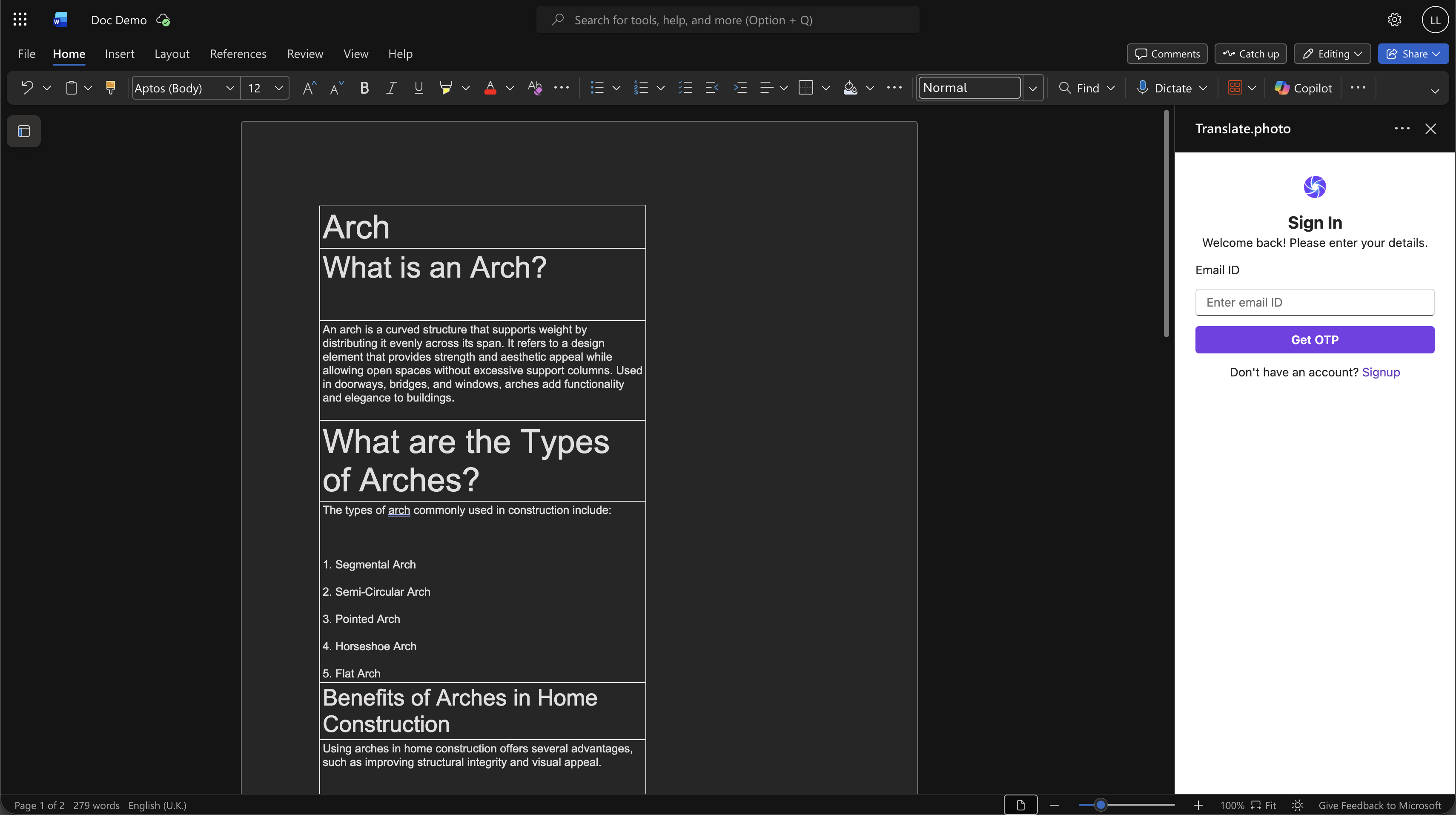
Step 1: Upload the Document
- Upload your Microsoft Word (.DOCX) document to the Vitra platform.
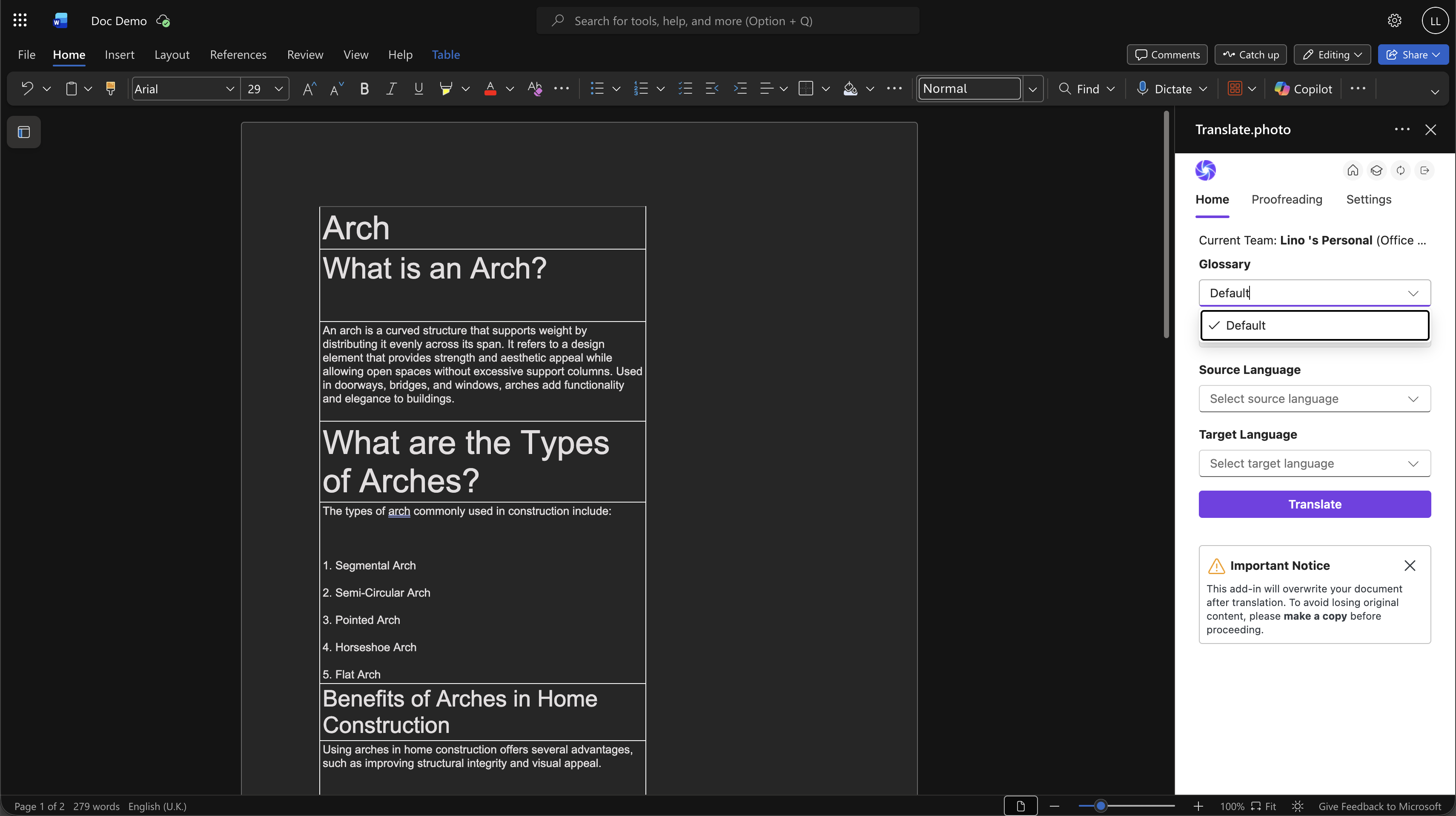
Step 2: Select Glossary
- Choose your organization’s translation glossary to maintain consistent terminology across documents.
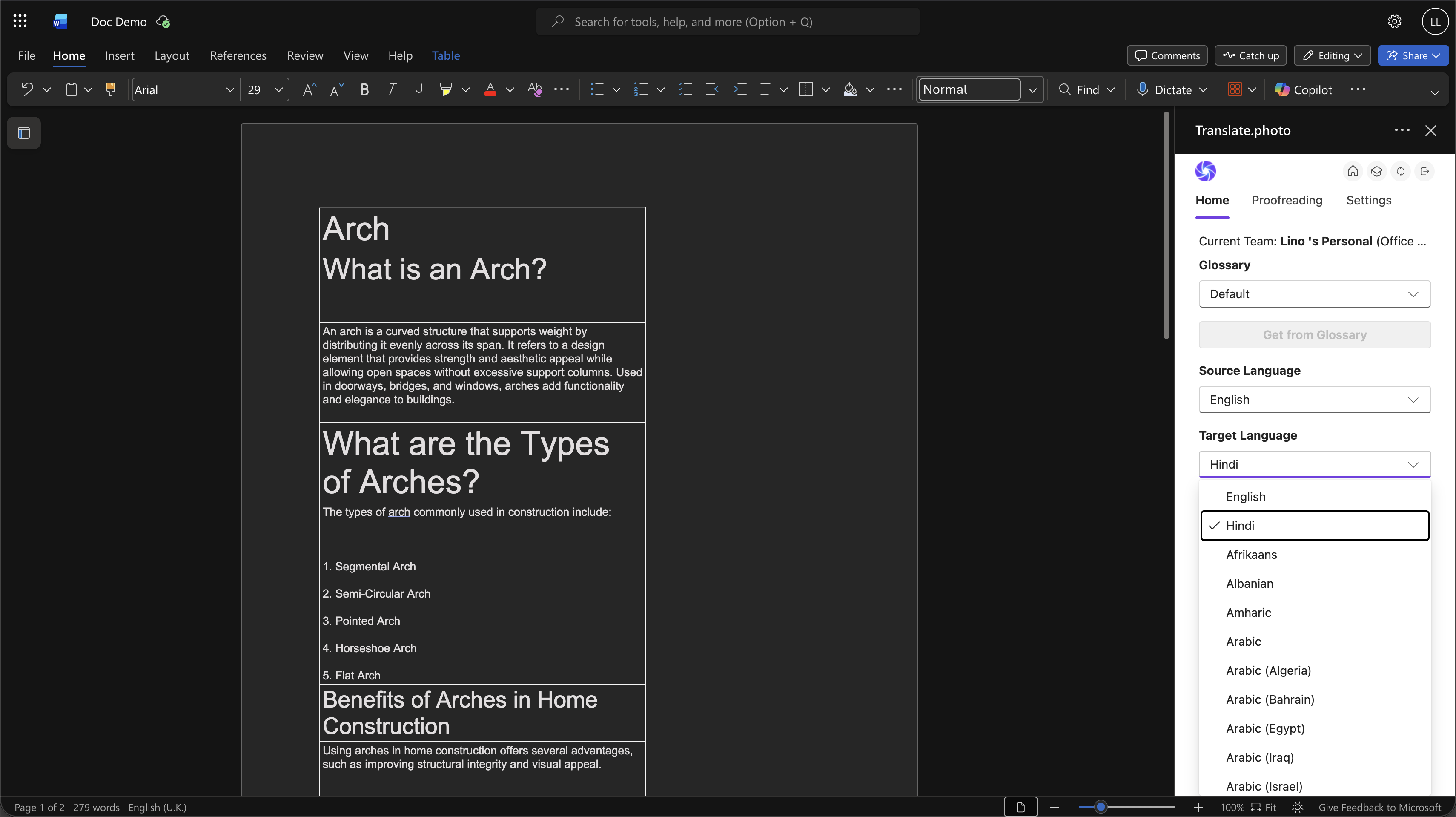
Step 3: Select Languages
- Choose the source language and one or more target languages.
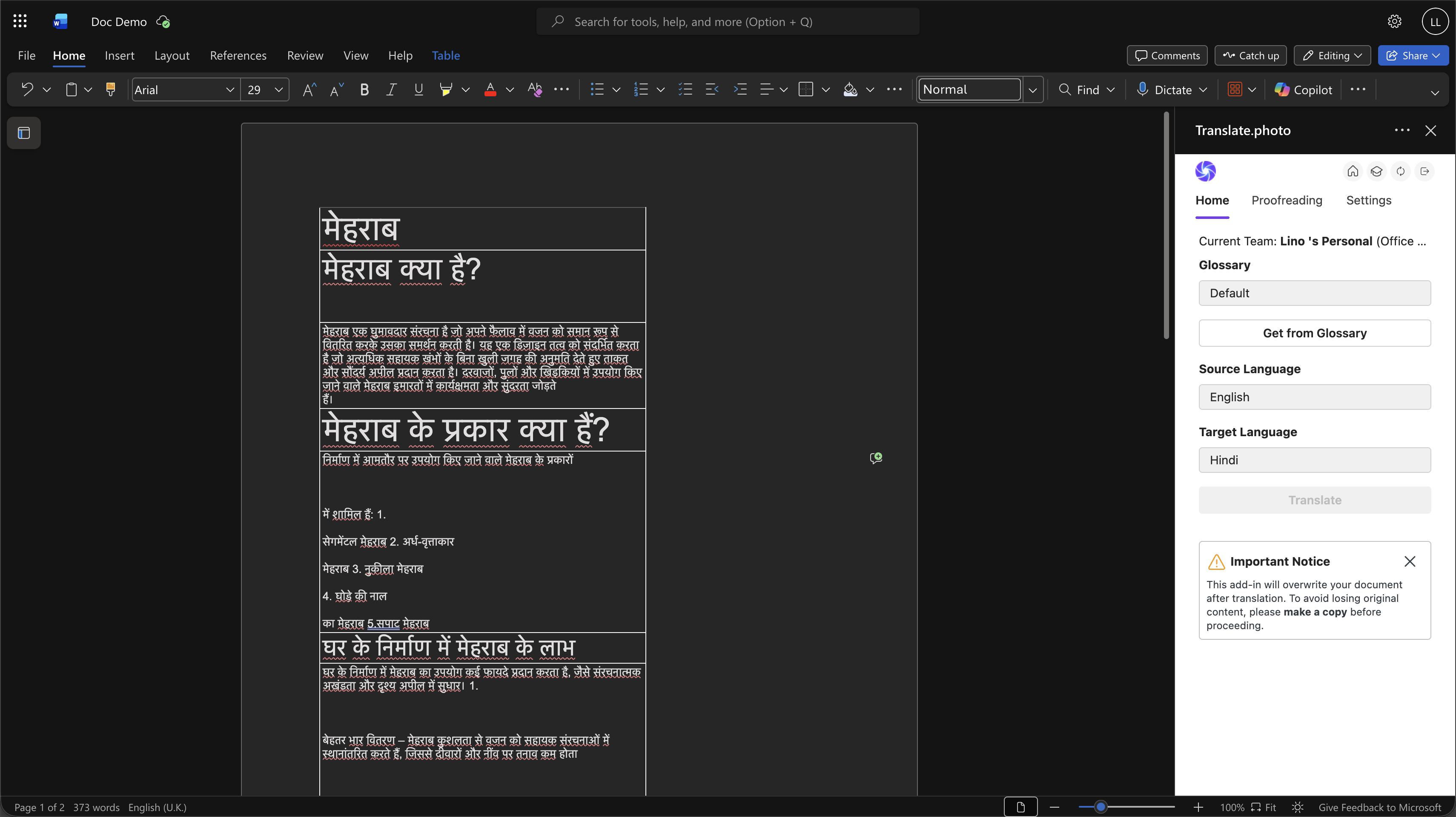
Step 4: Translate
- Click Translate, and AI automatically translates the entire document while preserving formatting, tables, and document structure.
Use Cases
Corporate Communication
Translate company policies, reports, internal documents, and business communication.
Legal & Compliance Documents
Localize contracts, agreements, and compliance documentation.
Education & Training
Translate training materials, manuals, academic documents, and course content.
BFSI & Financial Services
Localize financial documents, product documentation, and customer communication materials.
HR & Documentation
Translate employee handbooks, onboarding materials, and HR documentation.
Why Teams Choose Vitra
- Translate Word documents 100x faster
- Preserve formatting, headings, and tables automatically
- Maintain terminology consistency with glossary support
- Scale multilingual documentation efficiently
Start Translating Word Documents Faster
Translate Microsoft Word documents into multiple languages while maintaining formatting, tables, and document structure.
Share multilingual documents instantly without rebuilding layouts or formatting.