Adobe Indesign
InDesign is a desktop publishing software for creating layouts for print and digital media. It is widely used for magazines, brochures, and books.
Vitra AI Translation for Adobe InDesign
Translate InDesign documents into 75+ languages instantly while preserving layout, typography, and design structure.
Vitra enables publishers, marketing teams, and global brands to localize InDesign documents directly inside their design workflow without manually editing or rebuilding layouts.
What This Integration Does
Vitra integrates with Adobe InDesign to help teams translate document layouts quickly while maintaining visual accuracy and brand consistency.
Instead of exporting text, sending it for translation, and manually fixing layout issues, teams can translate InDesign documents directly inside their workflow.
This enables faster document localization while preserving design integrity across global markets.
How It Works
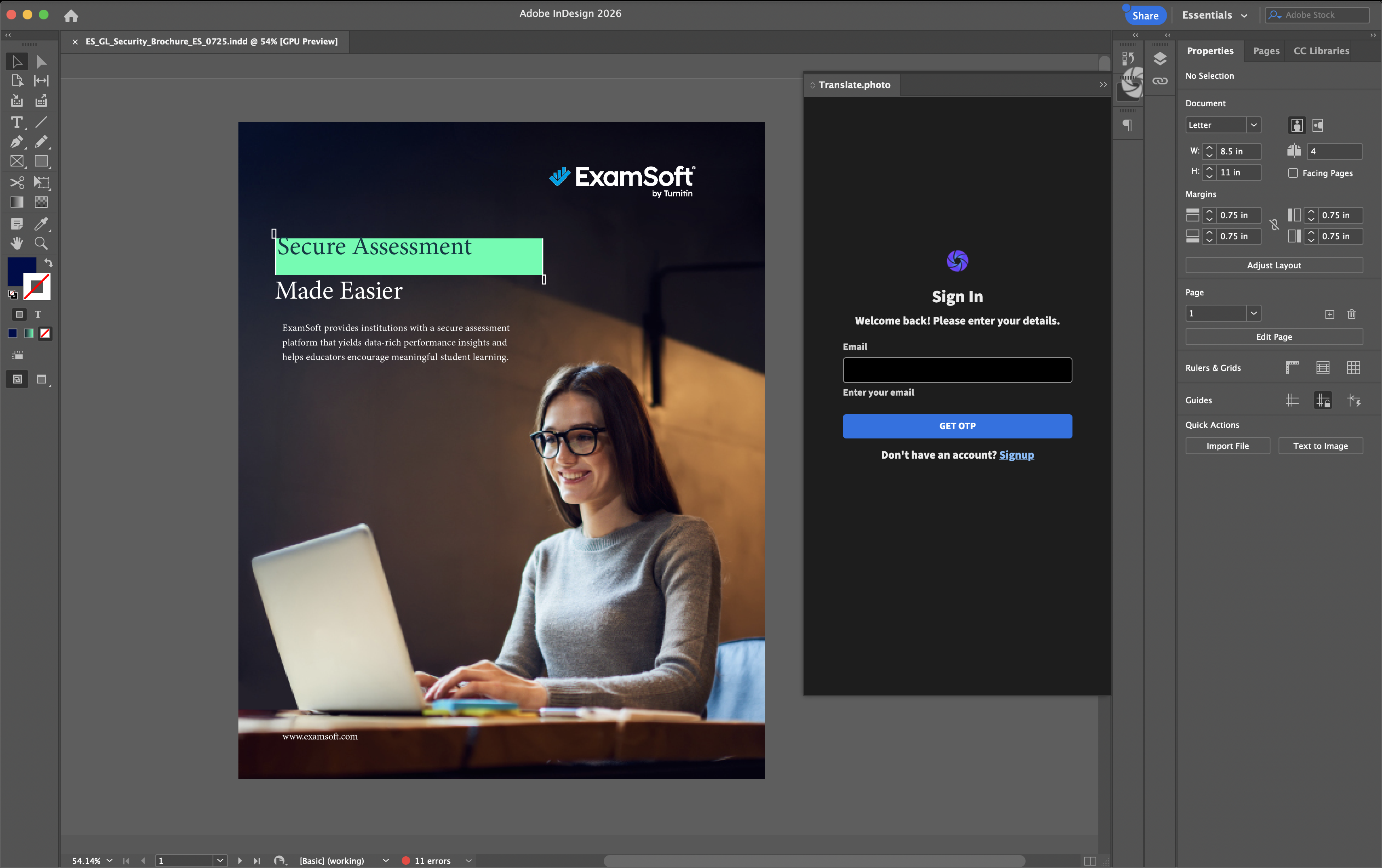
Step 1: Open the Plugin
- Launch the Vitra plugin directly inside Adobe InDesign.
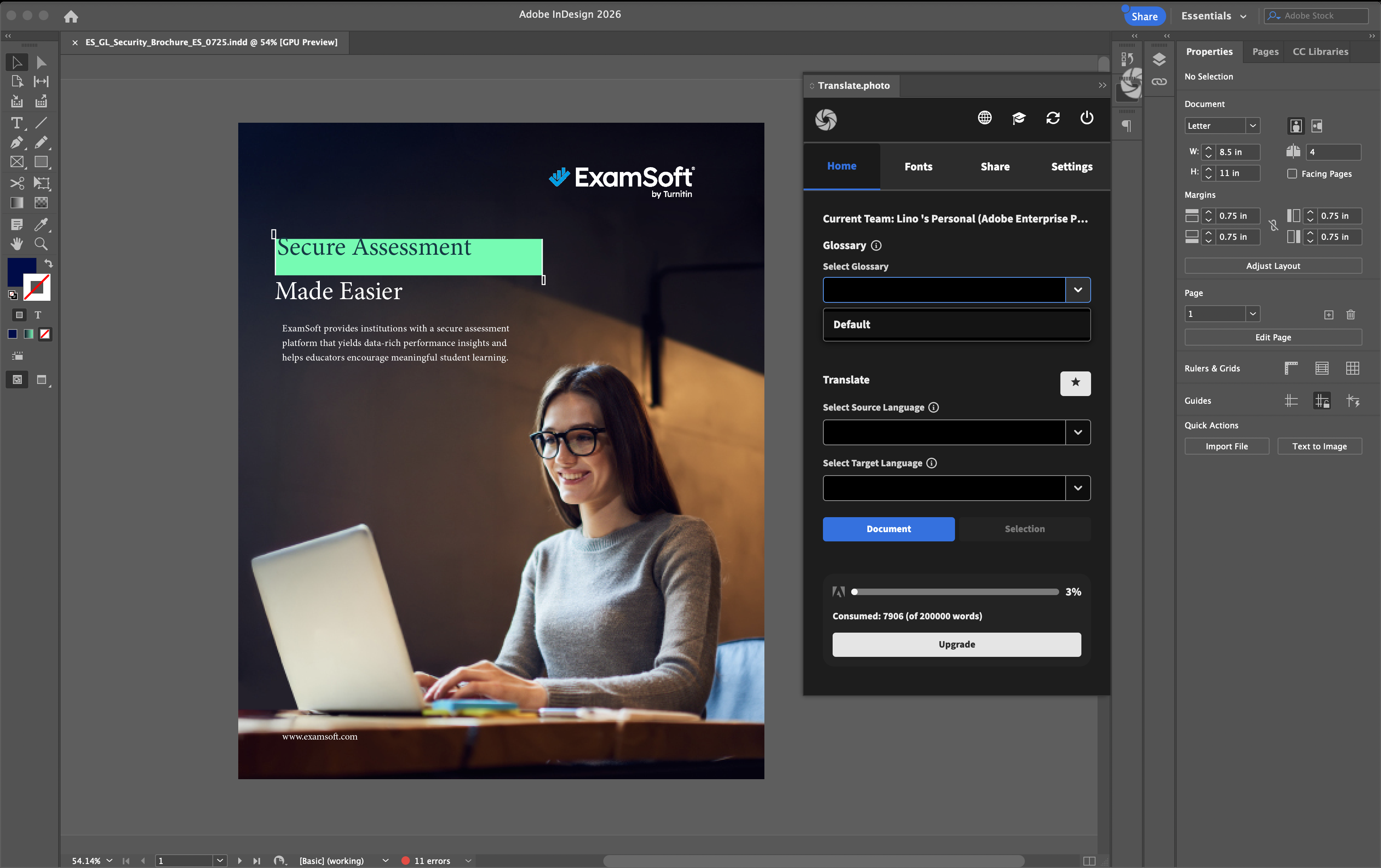
Step 2: Select Glossary
- Choose your organization’s translation glossary to maintain consistent terminology across documents.
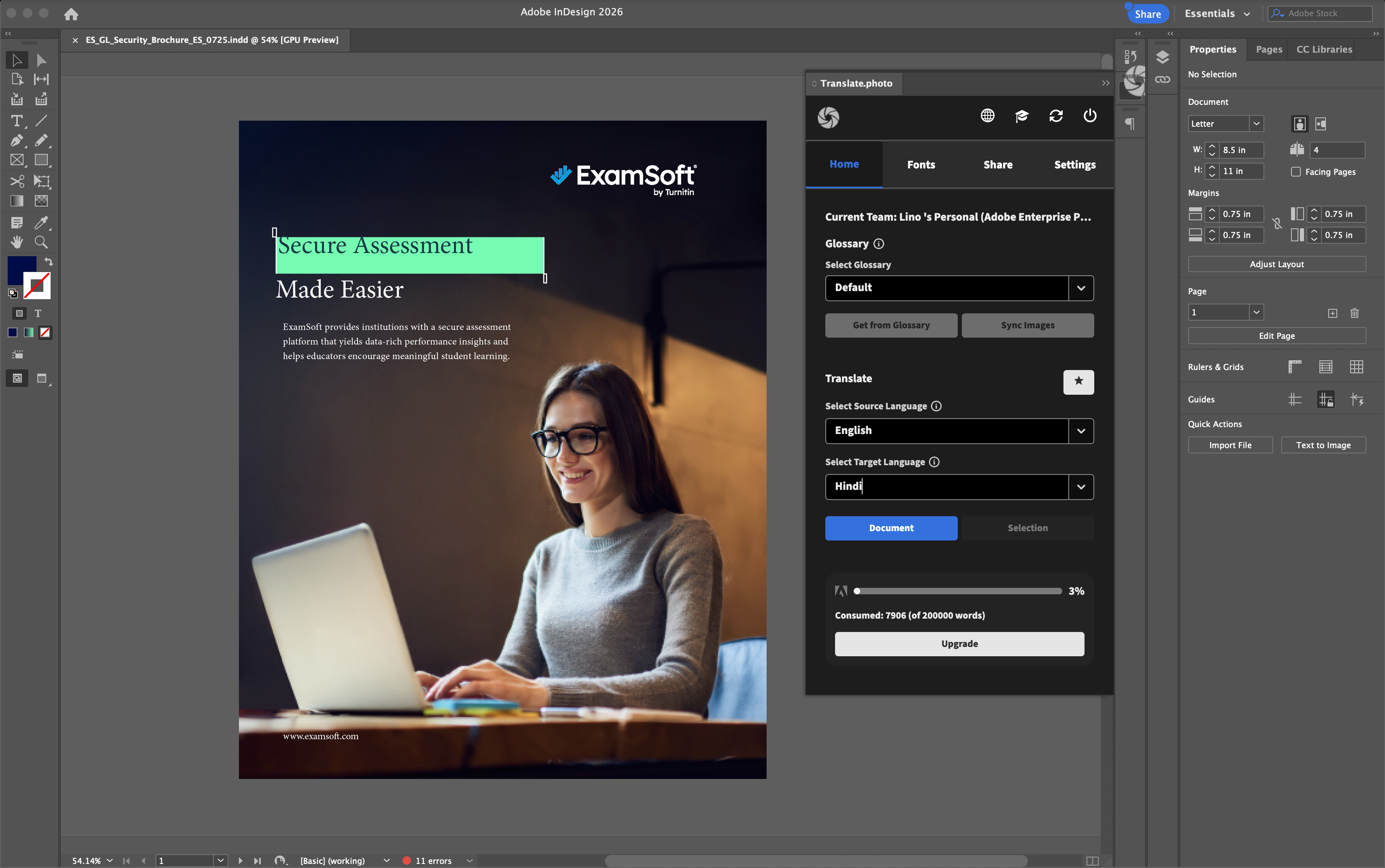
Step 3: Select Language
- Choose the source language and one or more target languages.
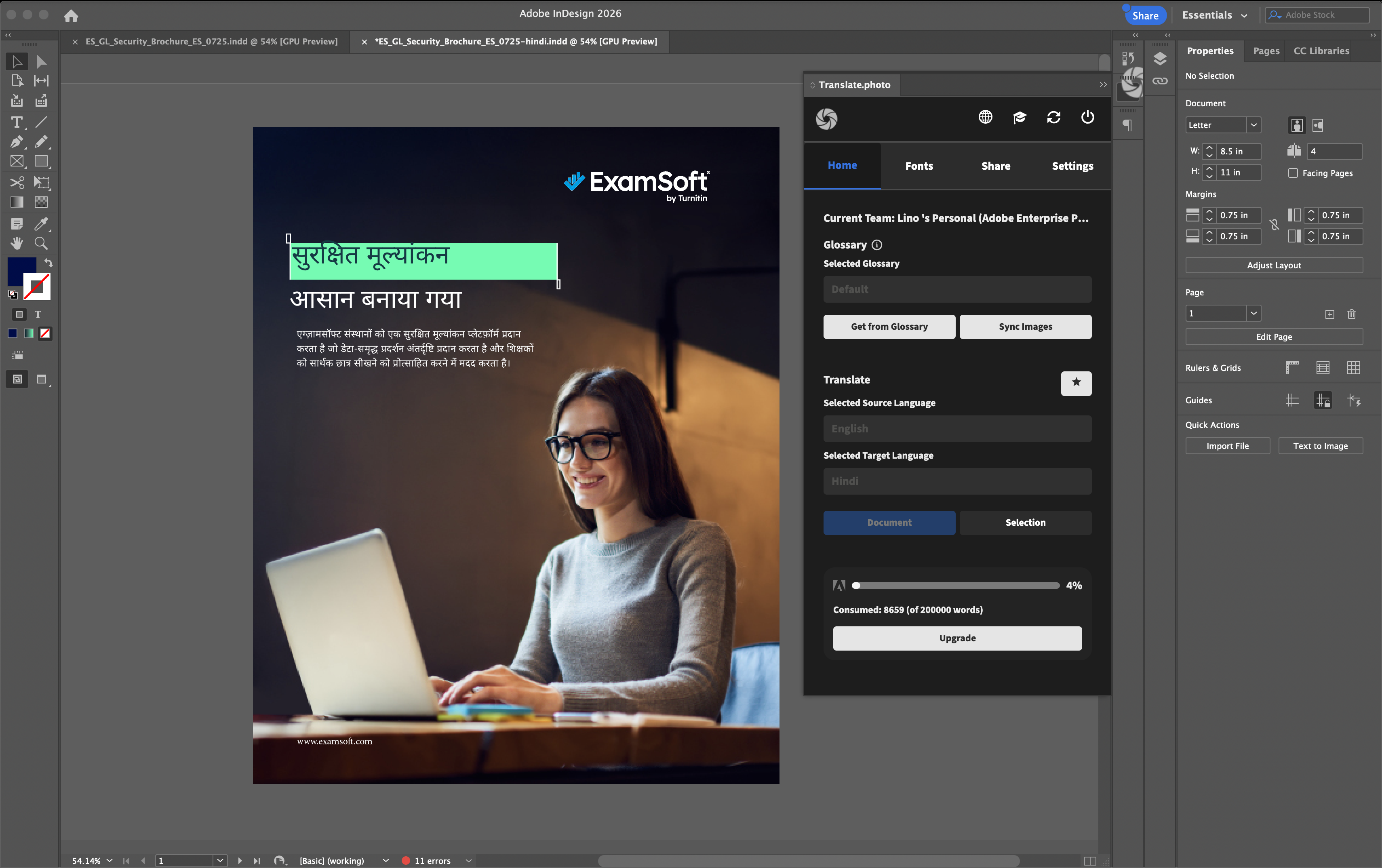
Step 4: Translate
- Click Translate, and AI automatically translates text across pages while preserving layout, styles, and typography.
Use Cases
Publishing & Media
Translate magazines, brochures, catalogs, and editorial layouts for global audiences.
Retail & E-commerce
Localize product catalogs, promotional brochures, and brand campaigns.
BFSI & Financial Services
Translate financial reports, marketing brochures, and customer communication materials.
Corporate Communications
Localize company reports, presentations, and internal documents for global teams.
Education & EdTech
Translate textbooks, learning materials, course brochures, and academic publications.
Why Teams Choose Vitra
- Translate InDesign documents 100× faster
- Maintain layout, typography, and style consistency across languages
- Eliminate manual layout adjustments after translation
- Scale multilingual publishing workflows efficiently
Start Translating Illustrator Designs Faster
Translate InDesign documents into multiple languages while preserving layout, fonts, and design structure.
Launch multilingual publications without rebuilding your layouts.