XML Translation
Translates XML files while preserving tags, structure, and formatting. Easily localize structured content into multiple languages with fast and accurate translations.
Vitra AI XML Translation
Translate XML files into 75+ languages instantly while preserving tags, structure, attributes, and formatting.
Vitra enables developers, technical writers, localization teams, and global enterprises to translate XML content quickly without breaking the file structure or manually editing code.
Whether you are translating technical documentation, website content, software configuration files, product data feeds, or structured content systems, Vitra helps teams scale multilingual XML localization efficiently.
What This Integration Does
- Vitra provides an AI-powered XML translation workflow that translates content within XML tags while preserving the original XML structure, hierarchy, and attributes.
- Instead of manually extracting values, sending them for translation, and rebuilding XML files line by line, teams can translate XML files directly within the Vitra platform.
- This enables faster documentation localization, software localization, and multilingual content deployment while ensuring XML integrity remains intact.
- Vitra is ideal for DITA documentation, CMS exports, technical manuals, product catalogs, and structured content systems.
How It Works
Step 1: Upload the file
Start by uploading the XML file you want to translate

Step 2: Select the Suite
Choose the suit that aligns with your workflow
- Available options include:
- Adobe
- Figma
- Office
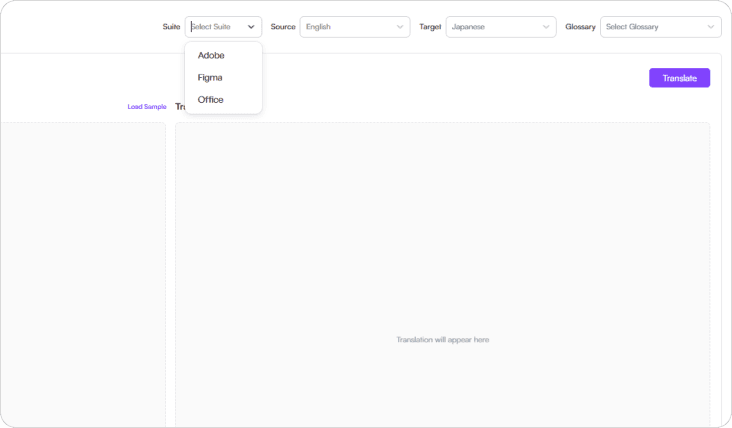
Step 3: Select Languages
Choose the source language and one or more target languages.
Vitra supports 75+ global languages, allowing you to localize XML content for multiple markets simultaneously.
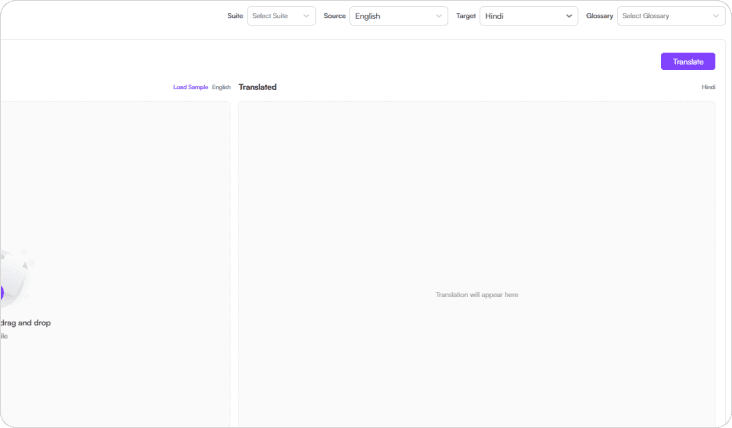
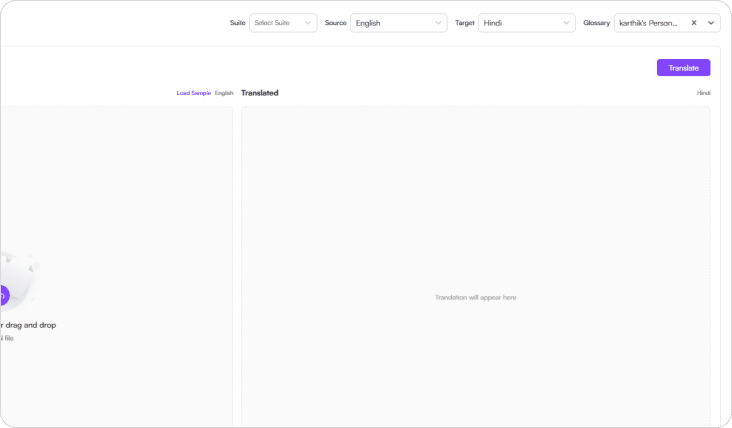
Step 4: Select Glossary
Choose your organization's translation glossary to ensure consistent terminology across technical documentation, product content, and branded materials.
Glossary-driven translation ensures approved terms and technical language remain consistent across all XML outputs.
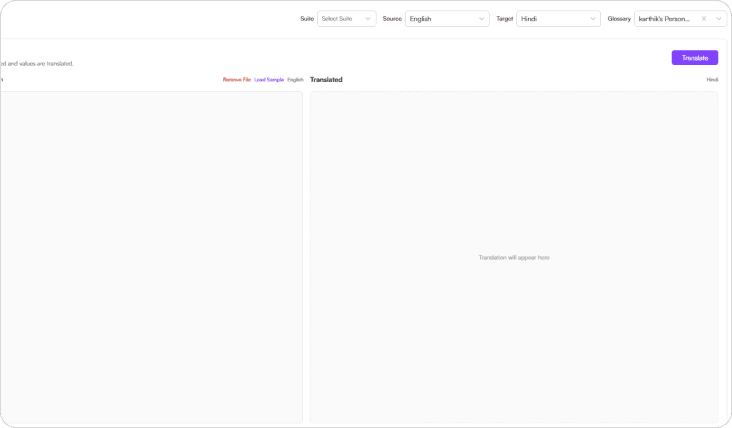
Step 5: Translate
- Click Translate, and Vitra AI automatically translates the content inside the XML file while preserving:
- XML Tags
- File Structure
- Attributes
- Formatting
Your translated XML file is now ready to use.
Use Cases
Technical Documentations
Translate DITA XML documentation, manuals, and knowledge base content into multiple languages.
Software & Product Localization
Localize application configuration files, system messages, and structured content stored in XML.
CMS & Content Platfroms
Translate XML exports from CMS platforms used for global publishing.
Product Catalogs
Localize product data feeds and inventory files structured in XML format.
Enterprise Documentation
Translate large-scale structured documentation used across global organizations.
Why Teams Choose Vitra
- Translate XML files 100× faster with AI-powered automation
- Preserve tags, hierarchy, and file structure automatically
- Maintain technical terminology with glossary support
- Eliminate manual editing of multilingual XML files
- Scale global documentation and product localization efficiently
Start Translating Figma Designs Faster
Translate XML content into multiple languages instantly while maintaining structure, technical accuracy, and formatting consistency.
Launch multilingual documentation, software, and product content faster without rebuilding XML files manually.