Shopify
Shopify is a leading e-commerce platform that enables businesses to build, manage, and scale online stores with ease.
Install Translate.website on Shopify
Running your store on Shopify?
You don't need a custom app, theme rebuild, or developer-heavy integration to make your Shopify store multilingual.
Translate.website works via a lightweight script that you add once to your theme — and it applies across your entire store.
No product duplication.
No manual translation setup.
No complex theme edits.
Step 1: Step-by-Step Installation for Shopify
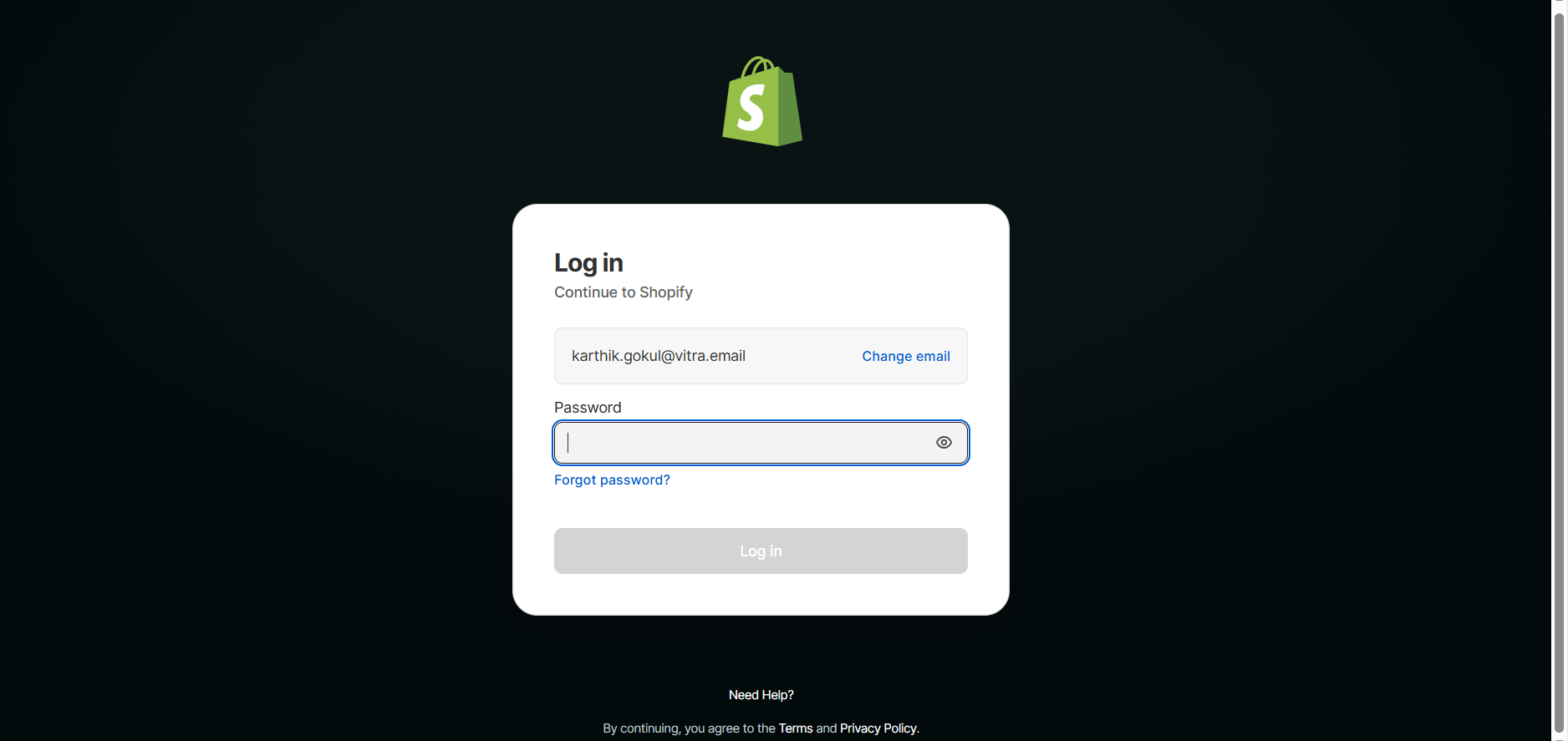
- Open your browser.
- Visit https://yourstore.myshopify.com/admin.
- Enter your login credentials.
- Click Login.
- You'll now be inside your Shopify Admin dashboard.
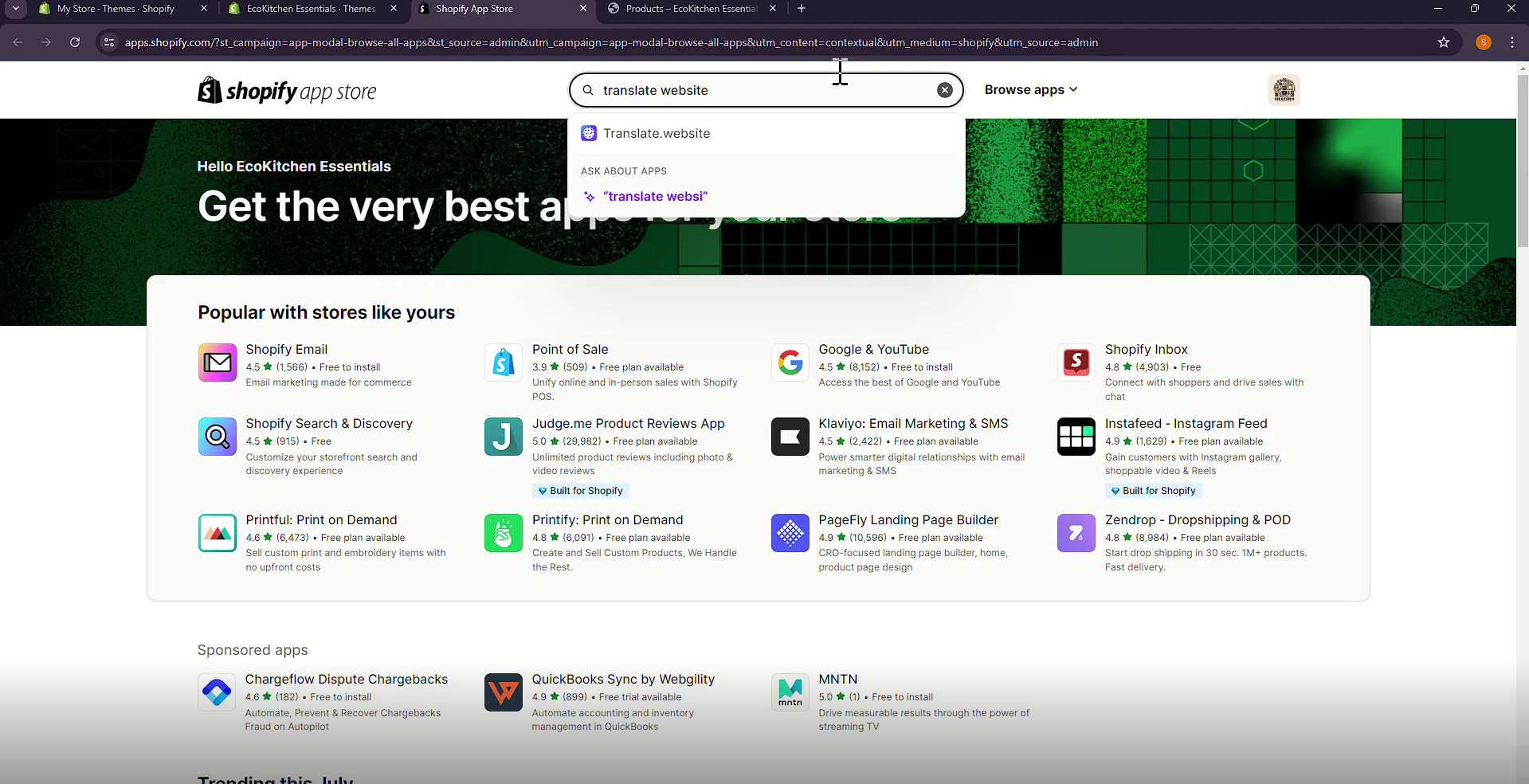
Step 2: Go to Online Store -> Themes
- From the left sidebar:
- Click Online Store.
- Click Themes.
- Locate your Current Theme.
- Click the three dots ( ... ).
- Select Edit Code.
- This opens your Shopify theme files.
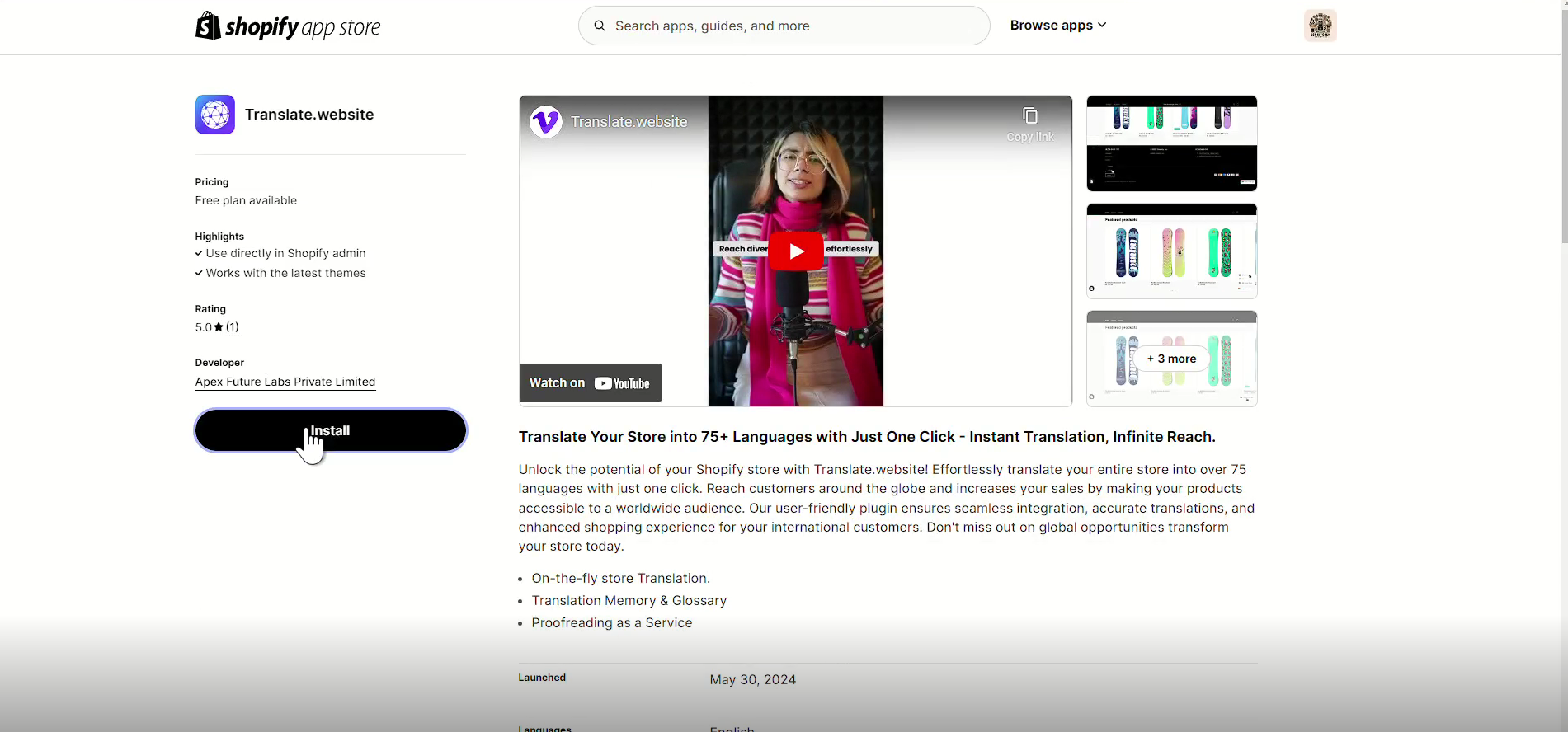
Step 3: Open theme.liquid
- Inside the theme editor:
- In the left file list, locate Layout.
- Click theme.liquid.
- This is your store's main layout file and it loads on every page.
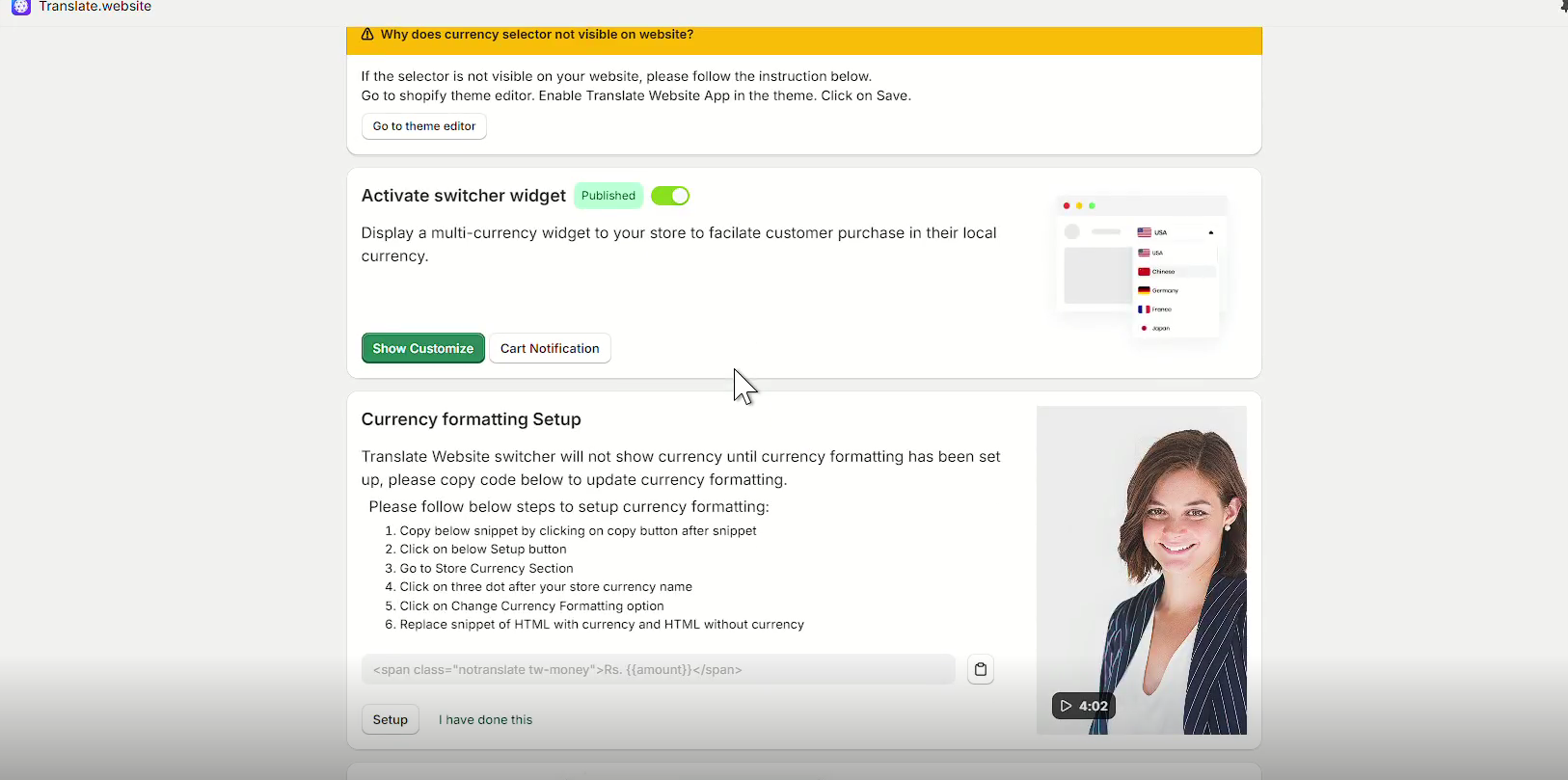
Step 4: Paste the Vitra Snippet
- Scroll inside theme.liquid.
- Find the closing </head> tag.
- Paste your Vitra / Translate.website snippet just before </head>.
What Happens After Installation?
Once activated, Translate.website can:
- Product Pages
- Collection Pages
- Homepage
- Navigation Menus
- Footer
- Cart & checkout messaging (if supported by theme structure)
Translate Your Entire Shopify Store
- Product Pages
- Collection Pages
- Homepage
- Navigation Menus
- Footer
- Cart & checkout messaging (if supported by theme structure)
Improve International SEO
- Language-ready structure
- Better engagement for global users
- Reduced bounce rate in foreign markets
Preserve Store Performance
- Language-ready structure
- Better engagement for global users
- Reduced bounce rate in foreign markets
Safe & Reversible
If you need to disable it:
- Go back to Code Snippets
- Toggle the snippet to Inactive
No database changes.
No theme corruption.
No risk during theme updates.
Why This Method Is Recommended
Using WPCode instead of editing header.php ensures:
- Theme updates won't remove the snippet
- No child theme required
- Safe rollback anytime
- Clean, professional implementation