Hubspot CMS
Translate HubSpot pages, emails, and marketing assets with Vitra while maintaining structure, formatting, and consistent brand messaging across languages.
Install Translate.website on HubSpot
Running your website on HubSpot CMS Hub?
You don't need custom modules or complex multilingual setup.
Translate.website works by adding a lightweight script globally inside HubSpot settings.
No theme rebuild.
No developer-heavy setup.
No content duplication.
Install Translate.website on Hubspot CMS
How It Works
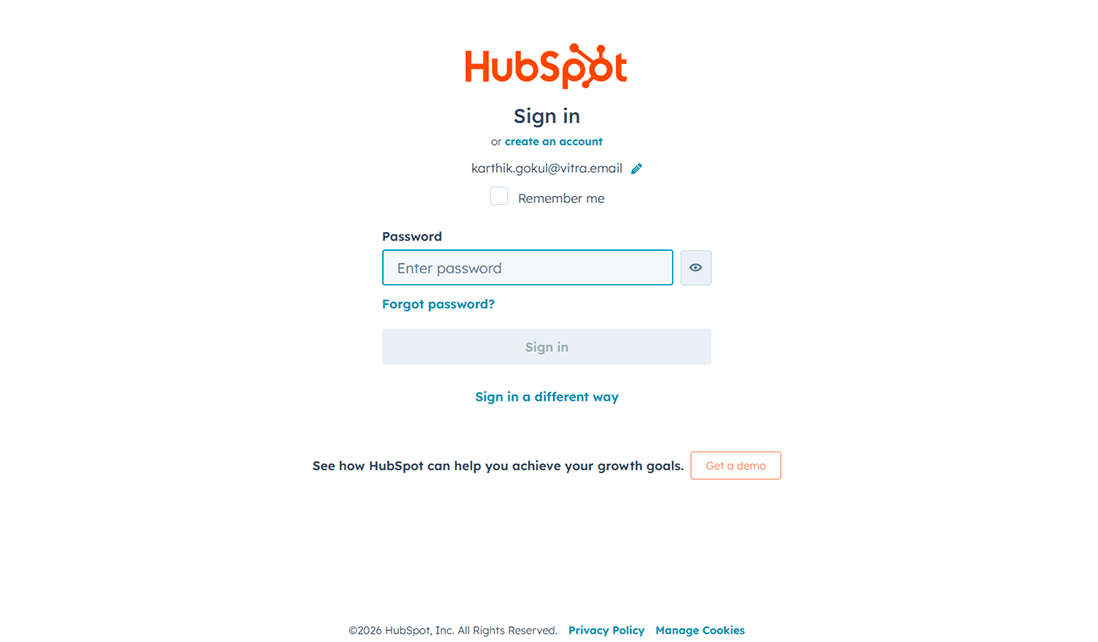
Step 1: Login to HubSpot Admin
- Visit: https://app.hubspot.com
- Enter your credentials
- Click Log in
- Go to your CMS Hub / Website settings
You are now inside HubSpot admin.
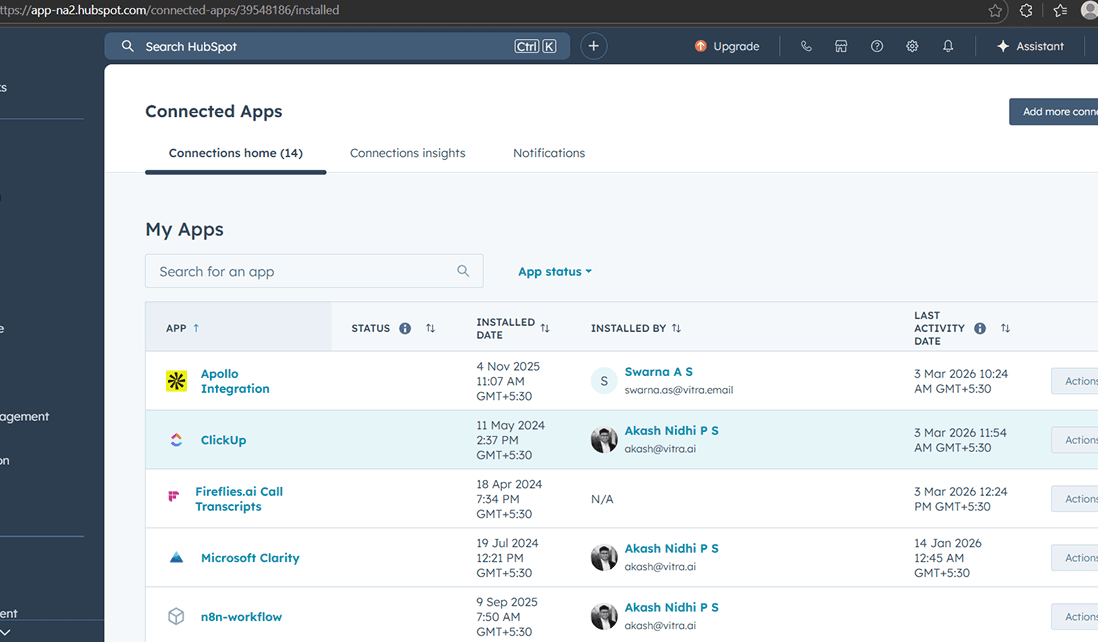
Step 2: Go to Settings → Website → Pages
- Click the Settings icon in the top right
- In the left sidebar navigate to: Website → Pages
- This section allows you to inject global scripts.
- Your Ghost CMS website is now multilingual.
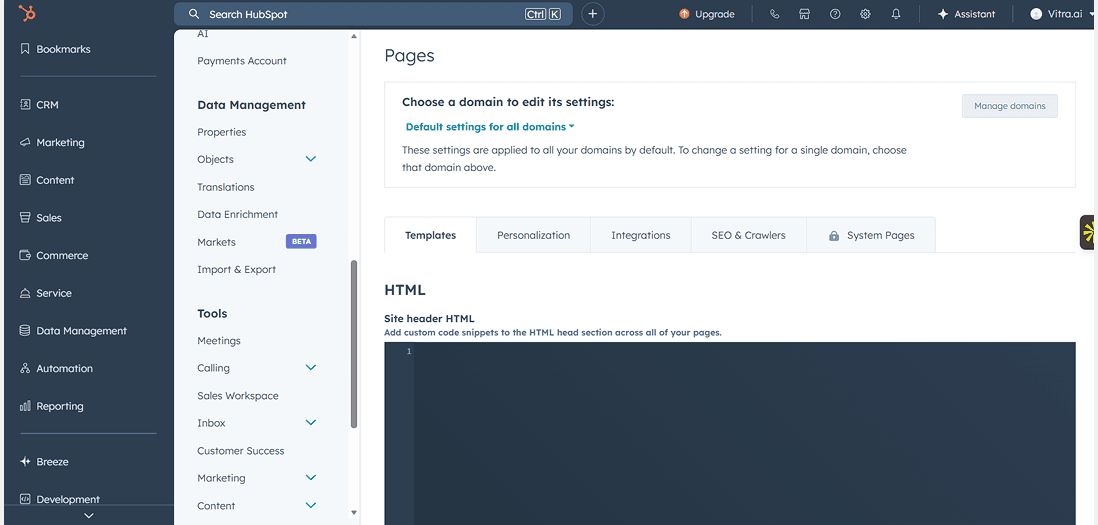
Step 3: Open "Templates" or "Head HTML"
- Inside Website settings:
- Look for Templates
- Find Site Header HTML / Head HTML
HubSpot provides a field to insert scripts that load site-wide.
Step 4: Paste the Vitra Snippet
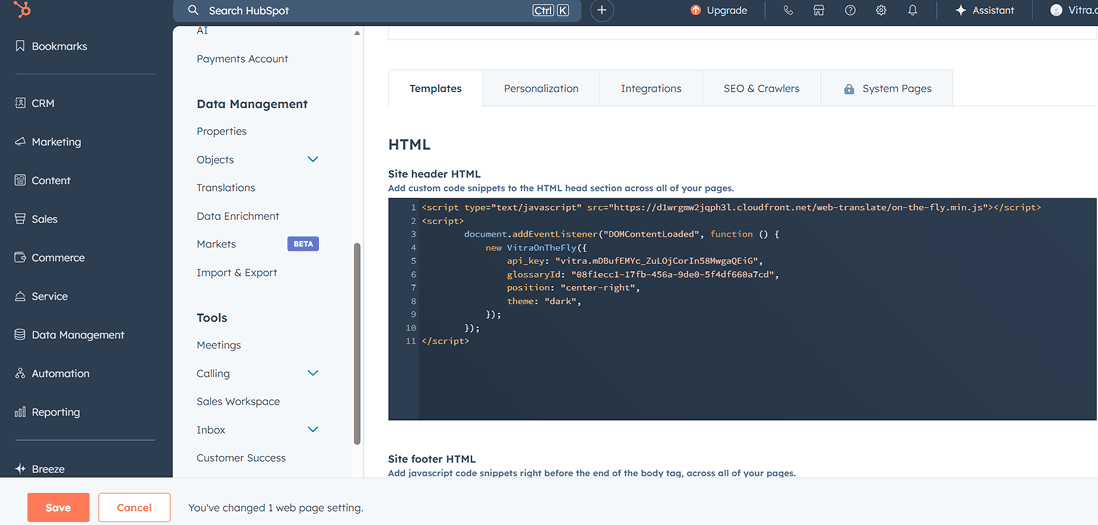
- In the Head HTML section:
- Paste your Translate.website (Vitra) snippet
- Add a comment label above it:
- <!-- Translate Website -->
- Click Save.
Step 5: Publish Changes
- If prompted:
- Click Publish
- Clear cache (if using CDN)
- Done.
Translate.website is now active across your HubSpot website.
What Happens After Activation?
- Once live, Translate.website can:
- Translate Your Entire Ghost Website:
- Homepage
- Blog posts
- Tags & author pages
- Navigation menu
- Footer content
- Membership pages (if applicable)
- Improve Global SEO Experience:
- Visitors see content in their preferred language
- Better engagement from international traffic
- Reduced bounce rate in foreign markets
- Maintain Ghost Performance:
- No heavy plugins
- No duplicate post creation
- No theme changes
Alternative Method (If Code Injection Is Disabled)
- If your Ghost environment restricts Code Injection:
- Go to Design
- Open default.hbs
- Paste the snippet just before </head>
- Re-upload the theme
- But in most cases, Code Injection is the safest and easiest method.
Safe & Reversible
- To disable:
- Remove the snippet from Code Injection
- Click Save
- No content loss
- No database impact
- No theme breakage
Go Global with Ghost — Instantly
If your Ghost site already attracts readers, Translate.website helps you unlock global audiences without rebuilding your publishing workflow.
Just paste → save → scale.