Vitra AI HTML Translation
Translate HTML files into 75+ languages instantly while preserving code structure, tags, styling, links, and page integrity.
Vitra enables developers, marketers, localization teams, product teams, and global enterprises to translate HTML content quickly without breaking layouts or manually editing multilingual web files.
Vitra helps teams scale multilingual website localization faster and more accurately for various content types.
What This Integration Does
Vitra offers an AI-driven HTML translation workflow that translates content while maintaining the original HTML structure and styling.
Instead of copying content out of HTML, sending it for translation, and manually rebuilding multilingual web pages, teams can translate HTML files directly within the Vitra platform.
This enables faster website localization, multilingual content publishing, and global web deployment while reducing manual development effort.
Vitra is ideal for website localization, landing page translation, multilingual campaign pages, email HTML localization, and structured web content translation.
How It Works
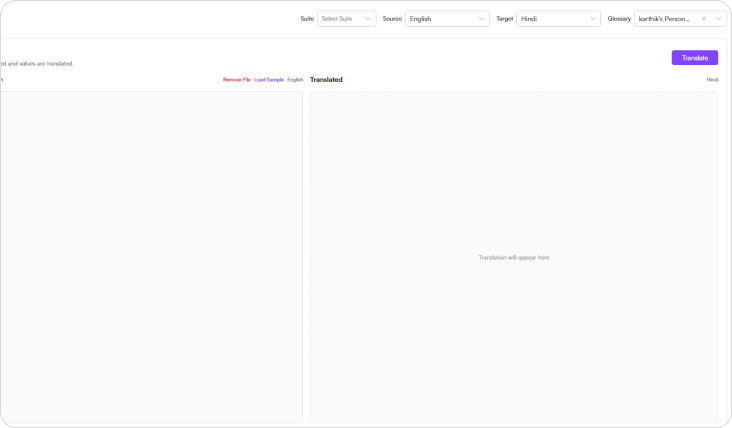
Step 1: Upload the file
- Start by uploading the JSON file you want to translate.
- Vitra scans the file and identifies the translatable content while preserving the underlying HTML code and structure.

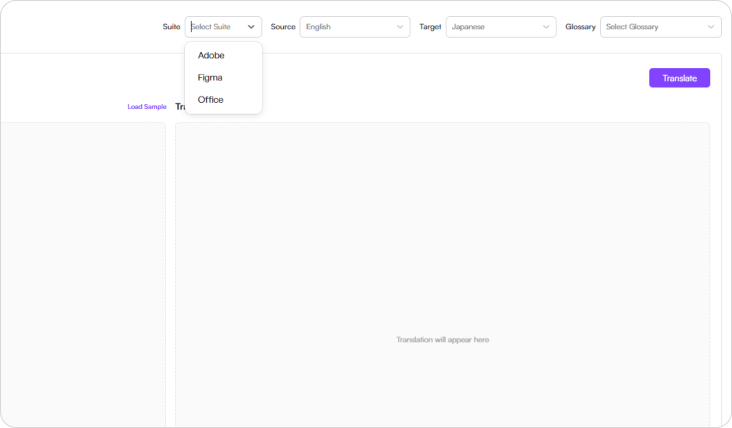
Step 2: Select the Suite
- Choose the suit that aligns with your workflow
- Available options include:
- Adobe
- Figma
- Office
- This helps align the translation workflow with your design, content, or publishing environment.
Step 3: Select language
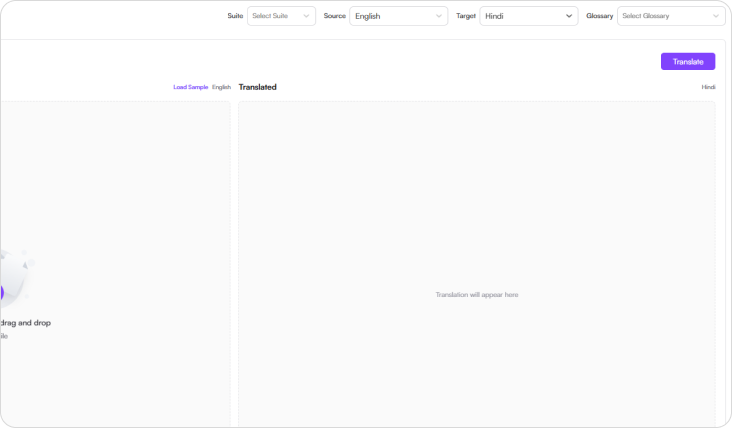
- Choose the source language and one or more target languages.
- Vitra supports 75+ global languages, making it easy to localize HTML content for multiple regions and markets.
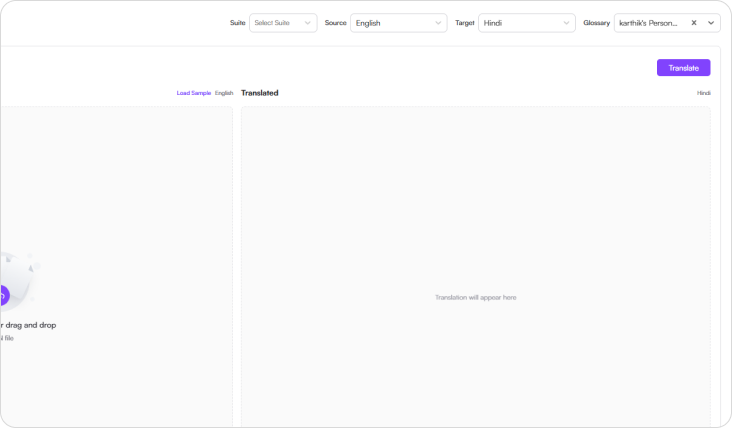
Step 4: Select Glossary
- Choose your organization’s translation glossary to ensure consistent terminology across branded web pages, product content, and campaign messaging.
- Glossary-driven translation helps maintain brand voice, approved terminology, and translation consistency across all HTML outputs.
Step 5: Translate
- Click Translate, and Vitra AI automatically translates the visible content inside the HTML file while preserving:
- HTML Tags
- Layout Structure
- Links and reference
- Staying Compatibility
- Page Integrity
- Your multilingual technical documentation is ready for review and validation.
Use Cases
Website Localization
Translate web pages, landing pages, and multilingual site content without rebuilding the HTML manually.
Marketing Campaigns
Localize campaign microsites, promotional landing pages, and HTML creatives for regional audiences.
E-Commerce
Translate product pages, promotional banners, and storefront HTML content across global markets.
E-mail Template Localization
Translate HTML email templates and campaign emails while preserving formatting and structure.
Knowledge base & Help center
Translate structured JSON content for global product rollouts and multilingual deployments.
Why Teams Choose Vitra
- Translate HTML files 100× faster with AI-powered automation
- Preserve HTML tags, links, styling, and structure automatically
- Maintain brand terminology with glossary-driven translation
- Eliminate manual rebuilding of multilingual HTML pages
- Scale website and web-content localization efficiently
Start Translating HTML Files Faster
Translate HTML content into multiple languages instantly while preserving code structure, design consistency, and publishing readiness
Launch multilingual websites, landing pages, and HTML campaigns faster without manually recreating every page.